Data Display Fancy Stable
LogoCloud
Logo display with animated marquee, static grid, and icon variants
Available for Svelte 5, React, and Vue 3.
Preview
svelte
<script lang="ts">
	import { AnimatedLogoCloud } from "fancy-ui-svelte";

	const logos = [
		{ name: "Vercel", path: "https://svgl.app/library/vercel_wordmark.svg" },
		{ name: "Svelte", path: "https://svgl.app/library/svelte.svg" },
		{ name: "Tailwind CSS", path: "https://svgl.app/library/tailwindcss.svg" },
		{ name: "TypeScript", path: "https://svgl.app/library/typescript.svg" },
		{ name: "Prisma", path: "https://svgl.app/library/prisma.svg" },
		{ name: "Stripe", path: "https://svgl.app/library/stripe_wordmark.svg" },
	];
</script>

<div class="overflow-hidden rounded-lg border">
	<AnimatedLogoCloud title="Trusted by the best" {logos} />
</div>
Installation
pnpm add fancy-ui-svelte
import { AnimatedLogoCloud, IconLogoCloud, StaticLogoCloud } from "fancy-ui-svelte";
Usage
svelte
<script lang="ts">
	import { AnimatedLogoCloud } from "fancy-ui-svelte";

	const logos = [
		{ name: "Vercel", path: "https://svgl.app/library/vercel_wordmark.svg" },
		{ name: "Svelte", path: "https://svgl.app/library/svelte.svg" },
		{ name: "Tailwind CSS", path: "https://svgl.app/library/tailwindcss.svg" },
		{ name: "TypeScript", path: "https://svgl.app/library/typescript.svg" },
		{ name: "Prisma", path: "https://svgl.app/library/prisma.svg" },
		{ name: "Stripe", path: "https://svgl.app/library/stripe_wordmark.svg" },
	];
</script>

<div class="overflow-hidden rounded-lg border">
	<AnimatedLogoCloud title="Trusted by the best" {logos} />
</div>
Examples
Basic Usage
svelte
<script lang="ts">
	import { AnimatedLogoCloud } from "$lib/fancy-ui/logo-cloud";

	const logos = [
		{ name: "Vercel", path: "https://svgl.app/library/vercel_wordmark.svg" },
		{ name: "Svelte", path: "https://svgl.app/library/svelte.svg" },
		{ name: "Tailwind CSS", path: "https://svgl.app/library/tailwindcss.svg" },
		{ name: "TypeScript", path: "https://svgl.app/library/typescript.svg" },
		{ name: "Prisma", path: "https://svgl.app/library/prisma.svg" },
		{ name: "Stripe", path: "https://svgl.app/library/stripe_wordmark.svg" },
	];
</script>

<div class="overflow-hidden rounded-lg border">
	<AnimatedLogoCloud title="Trusted by the best" {logos} />
</div>
Icon Grid
svelte
<script lang="ts">
	import { IconLogoCloud } from "$lib/fancy-ui/logo-cloud";

	const logos = [
		{ name: "Vercel", path: "https://svgl.app/library/vercel_wordmark.svg" },
		{ name: "Svelte", path: "https://svgl.app/library/svelte.svg" },
		{ name: "Tailwind CSS", path: "https://svgl.app/library/tailwindcss.svg" },
		{ name: "TypeScript", path: "https://svgl.app/library/typescript.svg" },
		{ name: "Prisma", path: "https://svgl.app/library/prisma.svg" },
		{ name: "Stripe", path: "https://svgl.app/library/stripe_wordmark.svg" },
	];
</script>

<div class="overflow-hidden rounded-lg border">
	<IconLogoCloud title="Built with" {logos} />
</div>
Static Grid
svelte
<script lang="ts">
	import { StaticLogoCloud } from "$lib/fancy-ui/logo-cloud";

	const logos = [
		{ name: "Vercel", path: "https://svgl.app/library/vercel_wordmark.svg" },
		{ name: "Svelte", path: "https://svgl.app/library/svelte.svg" },
		{ name: "Tailwind CSS", path: "https://svgl.app/library/tailwindcss.svg" },
		{ name: "TypeScript", path: "https://svgl.app/library/typescript.svg" },
		{ name: "Prisma", path: "https://svgl.app/library/prisma.svg" },
		{ name: "Stripe", path: "https://svgl.app/library/stripe_wordmark.svg" },
	];
</script>

<div class="overflow-hidden rounded-lg border">
	<StaticLogoCloud title="Our partners" {logos} />
</div>
Wordmarks
Static typographic row instead of image logos — no logo assets needed.
svelte
<script lang="ts">
	import { StaticLogoCloud } from "$lib/fancy-ui/logo-cloud";
	import type { Wordmark } from "$lib/fancy-ui/logo-cloud";

	const wordmarks: Wordmark[] = [
		{ name: "Acme Corp", size: 22, weight: 700 },
		{ name: "Nimbus Labs", size: 20, weight: 400, italic: true },
		{ name: "FOUNDRY", size: 18, weight: 900, tracking: 2, transform: "uppercase" },
		{ name: "Cartwright & Sons", size: 20, weight: 400, serif: true },
		{ name: "Vertex", size: 22, weight: 700, tracking: 1 },
	];
</script>

<div class="overflow-hidden rounded-lg border">
	<StaticLogoCloud title="Trusted by" {wordmarks} />
</div>
Props
| Prop | Type | Default | Description |
|---|---|---|---|
title | string | - | Optional title displayed above the logos |
logos | Logo[] | [] | Array of logos with name and image path |
wordmarks | Wordmark[] | - | StaticLogoCloud only: when provided, renders a static typographic row of wordmarks instead of image logos |
Links
Related components

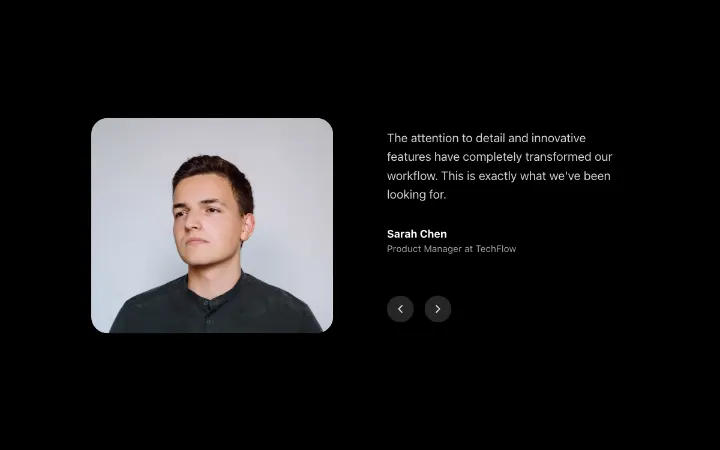
AnimatedTestimonials
Testimonial carousel with smooth slide animations and optional autoplay
Data Display Fancy
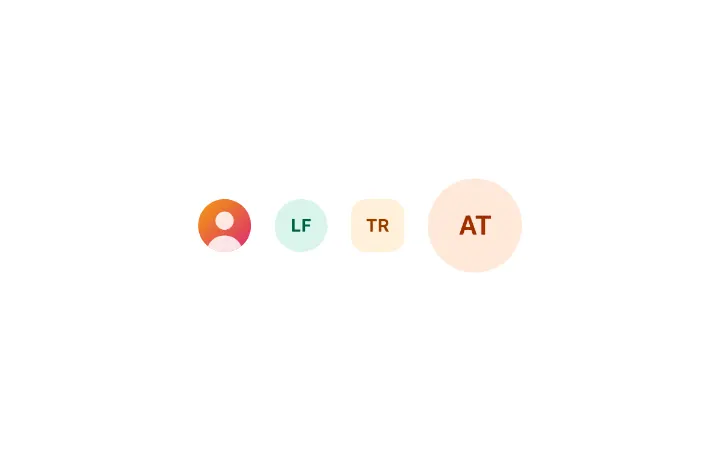
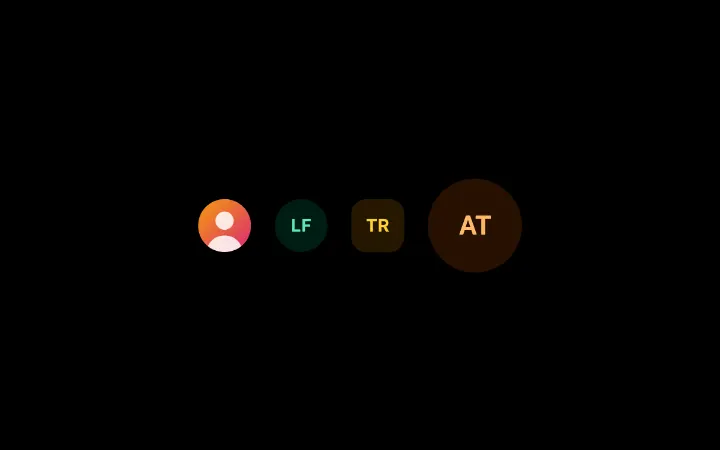
Avatar
A person or account as an image that shows a skeleton while it loads and falls back to one or two initials on a colour fixed by the name, as a circle or a rounded square
Data Display Core
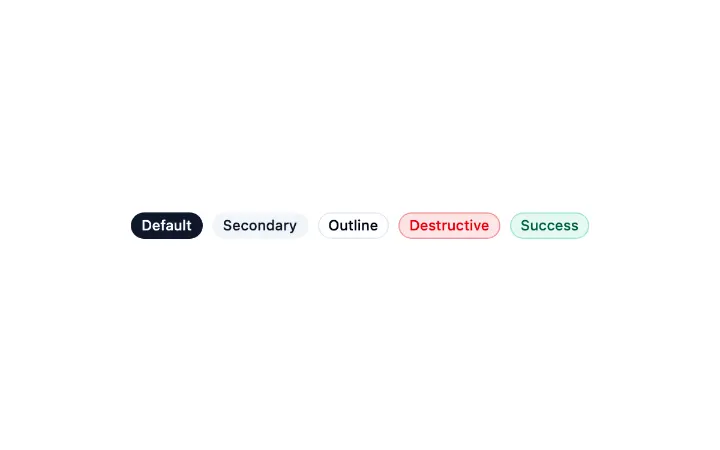
Badge
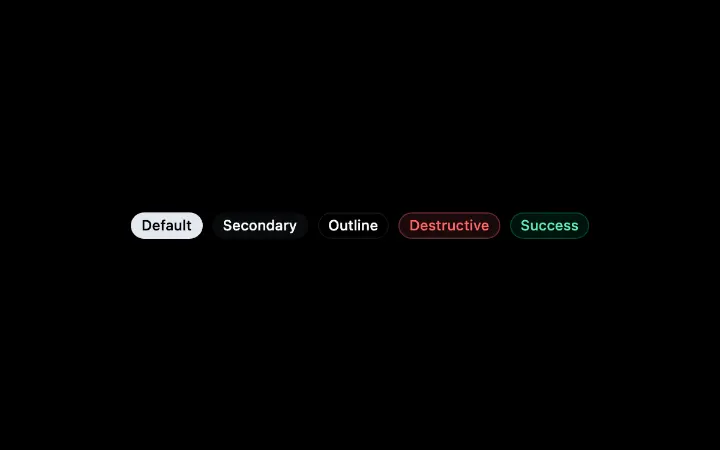
A short pill of status text in five treatments and two sizes, with native span attributes passed through
Data Display Core