TickNav
A navigation list on a ruler of tick marks: every line the pointer crosses plucks like a string, neighbouring lines and ticks stretch and light up on springs, and an optional preview card follows the pointer.
Available for Svelte 5, React, and Vue 3.
Preview
<script lang="ts">
	import { TickNav, type TickNavItem } from "fancy-ui-svelte";

	const items: TickNavItem[] = [
		{ id: "signal", label: "01 Signal" },
		{ id: "noise", label: "02 Noise" },
		{ id: "pulse", label: "03 Pulse" },
		{ id: "drift", label: "04 Drift", badge: "New" },
		{ id: "echo", label: "05 Echo" },
		{ id: "static", label: "06 Static" },
		{ id: "carrier", label: "07 Carrier" },
	];

	let value = $state("pulse");
</script>

<div
	class="flex w-full justify-center rounded-xl bg-[#07060b] py-10 text-[15px] tracking-tight text-white"
	style="--ft-accent: oklch(0.72 0.19 300)"
>
	<TickNav {items} bind:value variant="neon" ariaLabel="Channels" sound />
</div>
Installation
Usage
<script lang="ts">
	import { TickNav, type TickNavItem } from "fancy-ui-svelte";

	const items: TickNavItem[] = [
		{ id: "signal", label: "01 Signal" },
		{ id: "noise", label: "02 Noise" },
		{ id: "pulse", label: "03 Pulse" },
		{ id: "drift", label: "04 Drift", badge: "New" },
		{ id: "echo", label: "05 Echo" },
		{ id: "static", label: "06 Static" },
		{ id: "carrier", label: "07 Carrier" },
	];

	let value = $state("pulse");
</script>

<div
	class="flex w-full justify-center rounded-xl bg-[#07060b] py-10 text-[15px] tracking-tight text-white"
	style="--ft-accent: oklch(0.72 0.19 300)"
>
	<TickNav {items} bind:value variant="neon" ariaLabel="Channels" sound />
</div>
Examples
Neon
Glowing lines and a beam of light riding every pluck. On an HDR display the light runs brighter than white.
<script lang="ts">
	import { TickNav, type TickNavItem } from "$lib/fancy-ui/tick-nav";

	const items: TickNavItem[] = [
		{ id: "signal", label: "01 Signal" },
		{ id: "noise", label: "02 Noise" },
		{ id: "pulse", label: "03 Pulse" },
		{ id: "drift", label: "04 Drift", badge: "New" },
		{ id: "echo", label: "05 Echo" },
		{ id: "static", label: "06 Static" },
		{ id: "carrier", label: "07 Carrier" },
	];

	let value = $state("pulse");
</script>

<div
	class="flex w-full justify-center rounded-xl bg-[#07060b] py-10 text-[15px] tracking-tight text-white"
	style="--ft-accent: oklch(0.72 0.19 300)"
>
	<TickNav {items} bind:value variant="neon" ariaLabel="Channels" sound />
</div>
With Preview
A card that follows the pointer while a row is hovered.
<script lang="ts">
	import { TickNav, type TickNavItem } from "$lib/fancy-ui/tick-nav";

	const items: TickNavItem[] = [
		{ id: "aurora", label: "Aurora" },
		{ id: "dune", label: "Dune" },
		{ id: "lagoon", label: "Lagoon" },
		{ id: "ember", label: "Ember", badge: "New" },
		{ id: "glacier", label: "Glacier" },
		{ id: "moss", label: "Moss" },
		{ id: "dusk", label: "Dusk" },
	];

	const swatches: Record<string, string> = {
		aurora: "linear-gradient(135deg, #22d3ee, #a78bfa)",
		dune: "linear-gradient(135deg, #f59e0b, #b45309)",
		lagoon: "linear-gradient(135deg, #14b8a6, #0ea5e9)",
		ember: "linear-gradient(135deg, #f97316, #e11d48)",
		glacier: "linear-gradient(135deg, #e0f2fe, #93c5fd)",
		moss: "linear-gradient(135deg, #84cc16, #166534)",
		dusk: "linear-gradient(135deg, #6366f1, #be185d)",
	};

	let value = $state("aurora");
</script>

<div class="flex w-full justify-center py-8 pr-40 text-[15px] tracking-tight">
	<TickNav {items} bind:value ariaLabel="Palettes" sound>
		{#snippet preview(item)}
			<div class="flex h-full w-full items-end p-3" style:background={swatches[item.id]}>
				<span class="text-xs font-medium text-white/90">{item.label}</span>
			</div>
		{/snippet}
	</TickNav>
</div>
Classic
The plain ruler: no glow, accent lines only.
<script lang="ts">
	import { TickNav, type TickNavItem } from "$lib/fancy-ui/tick-nav";

	const items: TickNavItem[] = [
		{ id: "overview", label: "00 Overview" },
		{ id: "install", label: "01 Installation" },
		{ id: "theming", label: "02 Theming" },
		{ id: "motion", label: "03 Motion" },
		{ id: "sound", label: "04 Sound", badge: "New" },
		{ id: "a11y", label: "05 Accessibility" },
		{ id: "ssr", label: "06 Server rendering" },
		{ id: "registry", label: "07 Copy into your project" },
		{ id: "llms", label: "08 LLM docs" },
		{ id: "changelog", label: "09 Changelog" },
	];

	let value = $state("overview");
</script>

<div class="flex w-full justify-center py-8 text-[15px] tracking-tight">
	<TickNav {items} bind:value ariaLabel="Guide" sound />
</div>
Props
| Prop | Type | Default | Description |
|---|---|---|---|
items * | TickNavItem[] | - | The rows, top to bottom: `{ id, label, href?, badge?, disabled? }`. A row with `href` renders as a link, otherwise as a button. |
value | string | - | Id of the current item. Bindable. |
onValueChange | (id: string) => void | - | Called with the id of an item that is activated and not already current. |
preview | Snippet<[TickNavItem]> | - | Content of the card that follows the pointer while a row is hovered (or sits beside a keyboard-focused row). Leave it out and no card is rendered. |
reach | number | 4 | Rows over which the neighbours of the hovered row still react. |
minorTicks | number | 2 | Ruler ticks drawn between two rows. |
variant | "default" | "neon" | "default" | Neon turns the lines into glowing tubes: proximity raises the glow, a beam of light rides every pluck, labels glow on hover, and the current line breathes. Made for dark surfaces. |
hdr | boolean | true | Neon only: on a display that reports HDR, draws the light in a WebGPU canvas with extended tone mapping, so the tubes reach SDR white and the beam peaks around 1000 nits. Elsewhere the CSS glow carries the effect alone. |
ariaLabel | string | "Navigation" | Accessible name of the nav landmark. |
sound | boolean | false | Plays a cue for every line a mouse or pen plucks (hover for an item, a softer tick for a ruler tick), once the user has enabled sound |
class | string | - | Additional CSS classes on the nav. |
Links
Related components
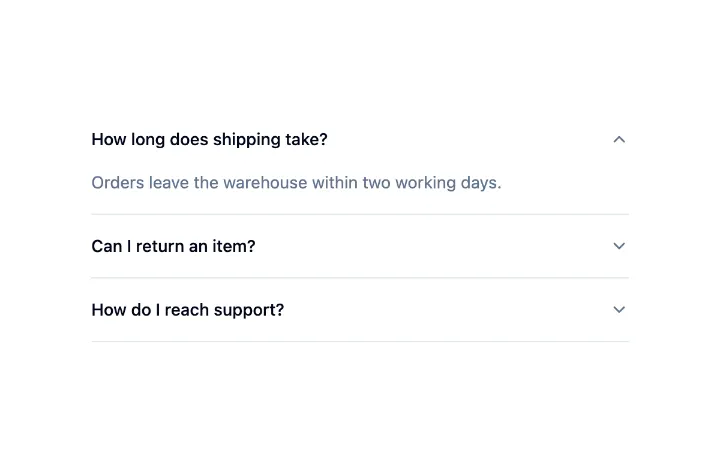
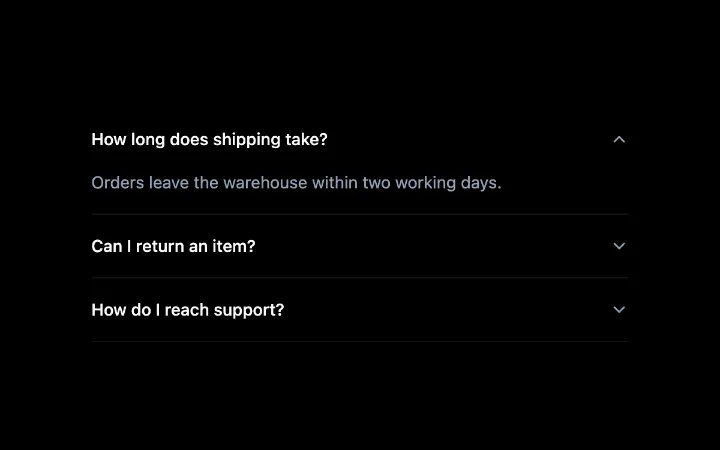
Accordion
A stack of headed sections where one or several open at a time, with a collapse that animates without measuring, arrow-key navigation between headers and labelled regions for assistive tech.
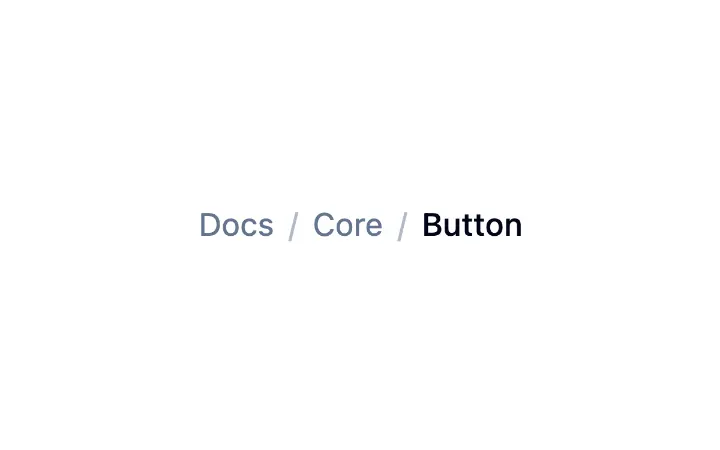
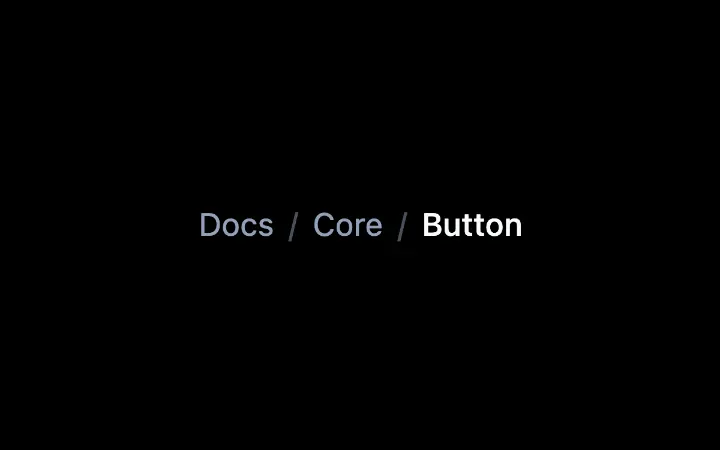
Breadcrumb
A data-driven trail of links with automatic truncation, a decorative separator, and the current page marked for assistive tech.
Collapsible
A single disclosure: a trigger that expands and collapses a region, animated without measuring so an interrupted toggle simply reverses, with the closed content kept in the page.