SunSwitch
A theme switch drawn as a pixel sun. Hover it for a lens on its true colours; click it and the new theme spreads from the sun in a dithered, grid-aligned wave.
Available for Svelte 5, React, and Vue 3.
Preview
<script lang="ts">
	import { SunSwitch } from "fancy-ui-svelte";
	import { createThemeState } from "$lib/stores/theme.svelte";

	// The sun is the site's theme switch: the wave reveals the real page in its new theme.
	const theme = createThemeState();
</script>

<header class="w-full max-w-2xl">
	<div class="border-foreground/15 flex items-end justify-between gap-6 border-b">
		<div class="min-w-0 pb-5">
			<p class="text-muted-foreground font-mono text-[11px] tracking-[0.2em] uppercase">
				Issue 14 · Late autumn
			</p>
			<h3 class="mt-2 text-3xl leading-tight font-semibold tracking-tight sm:text-4xl">
				Hours of low light
			</h3>
		</div>
		<SunSwitch
			checked={!theme.isDark}
			onCheckedChange={(day) => theme.setTheme(day ? "light" : "dark")}
			label="Day mode"
			sound
			class="shrink-0"
		/>
	</div>
	<p class="text-muted-foreground mt-4 max-w-prose text-sm leading-relaxed">
		Hover the sun to look at it through the lens. Click it, or focus it and press Space, to change
		the light: the new theme spreads from the sun across the whole page.
	</p>
</header>
Installation
Usage
<script lang="ts">
	import { SunSwitch } from "fancy-ui-svelte";
	import { createThemeState } from "$lib/stores/theme.svelte";

	// The sun is the site's theme switch: the wave reveals the real page in its new theme.
	const theme = createThemeState();
</script>

<header class="w-full max-w-2xl">
	<div class="border-foreground/15 flex items-end justify-between gap-6 border-b">
		<div class="min-w-0 pb-5">
			<p class="text-muted-foreground font-mono text-[11px] tracking-[0.2em] uppercase">
				Issue 14 · Late autumn
			</p>
			<h3 class="mt-2 text-3xl leading-tight font-semibold tracking-tight sm:text-4xl">
				Hours of low light
			</h3>
		</div>
		<SunSwitch
			checked={!theme.isDark}
			onCheckedChange={(day) => theme.setTheme(day ? "light" : "dark")}
			label="Day mode"
			sound
			class="shrink-0"
		/>
	</div>
	<p class="text-muted-foreground mt-4 max-w-prose text-sm leading-relaxed">
		Hover the sun to look at it through the lens. Click it, or focus it and press Space, to change
		the light: the new theme spreads from the sun across the whole page.
	</p>
</header>
Examples
Basic Usage
<script lang="ts">
	import { SunSwitch } from "$lib/fancy-ui/sun-switch";
	import { createThemeState } from "$lib/stores/theme.svelte";

	// The sun is the site's theme switch: the wave reveals the real page in its new theme.
	const theme = createThemeState();
</script>

<header class="w-full max-w-2xl">
	<div class="border-foreground/15 flex items-end justify-between gap-6 border-b">
		<div class="min-w-0 pb-5">
			<p class="text-muted-foreground font-mono text-[11px] tracking-[0.2em] uppercase">
				Issue 14 · Late autumn
			</p>
			<h3 class="mt-2 text-3xl leading-tight font-semibold tracking-tight sm:text-4xl">
				Hours of low light
			</h3>
		</div>
		<SunSwitch
			checked={!theme.isDark}
			onCheckedChange={(day) => theme.setTheme(day ? "light" : "dark")}
			label="Day mode"
			sound
			class="shrink-0"
		/>
	</div>
	<p class="text-muted-foreground mt-4 max-w-prose text-sm leading-relaxed">
		Hover the sun to look at it through the lens. Click it, or focus it and press Space, to change
		the light: the new theme spreads from the sun across the whole page.
	</p>
</header>
Contained
The wave stays inside one card with `mode="contained"`; the page theme is untouched.
<script lang="ts">
	import { SunSwitch } from "$lib/fancy-ui/sun-switch";

	// The wave stays inside the card and leaves the page theme alone.
	let card = $state<HTMLElement | null>(null);
	let day = $state(true);
</script>

<article
	bind:this={card}
	class="relative w-full max-w-sm overflow-hidden rounded-2xl border p-6 {day
		? 'border-black/10 bg-[#fbf6ec] text-[#201c16]'
		: 'border-white/10 bg-[#13111a] text-[#efeae2]'}"
>
	<div class="flex items-start justify-between gap-4">
		<div>
			<p class="text-[11px] tracking-[0.2em] uppercase opacity-60">Reading list</p>
			<h3 class="mt-1 text-xl font-semibold tracking-tight">Tide tables, annotated</h3>
		</div>
		<SunSwitch
			bind:checked={day}
			mode="contained"
			scope={card}
			radius={8}
			lensRadius={5}
			label="Day reading"
			class="-mt-1 shrink-0"
		/>
	</div>
	<p class="mt-5 text-sm leading-relaxed opacity-70">
		Twelve short chapters on the moon, the harbour and the hour the boats come in. Switch the card
		to night reading; the rest of the page keeps its theme.
	</p>
	<p class="mt-5 font-mono text-xs opacity-50">
		{day ? "Day reading" : "Night reading"} · 38 min left
	</p>
</article>
Custom Trigger
Any button can start the wave with `pixelWave()`, from the pointer, with its own palette.
<script lang="ts">
	import { flushSync } from "svelte";
	import { pixelWave, type SunPalette } from "$lib/fancy-ui/sun-switch";

	// `pixelWave` works with any trigger: here an ordinary button, with the wave
	// starting under the pointer (or from the button's centre for a keyboard press).
	const MOON: SunPalette = ["#a8dcf2", "#86aef0", "#9a8de6", "#c690dc"];

	let stage = $state<HTMLElement | null>(null);
	let night = $state(false);

	function toggle(event: MouseEvent & { currentTarget: HTMLButtonElement }) {
		if (!stage) return;
		const box = stage.getBoundingClientRect();
		const button = event.currentTarget.getBoundingClientRect();
		const keyboard = event.detail === 0;
		const x = keyboard ? button.left + button.width / 2 : event.clientX;
		const y = keyboard ? button.top + button.height / 2 : event.clientY;
		void pixelWave({
			origin: { x: x - box.left - stage.clientLeft, y: y - box.top - stage.clientTop },
			mode: "contained",
			scope: stage,
			palette: MOON,
			cell: 6,
			dot: 5,
			duration: 1100,
			apply: () => {
				night = !night;
				// Commit the DOM now: the wave reveals whatever the page shows next.
				flushSync();
			},
		});
	}
</script>

<section
	bind:this={stage}
	class="relative flex h-72 w-full max-w-xl flex-col items-center justify-center gap-5 overflow-hidden rounded-2xl border px-6 text-center {night
		? 'border-white/10 bg-[#0d1220] text-[#e6ecf7]'
		: 'border-black/10 bg-[#eef3fb] text-[#142033]'}"
>
	<p class="text-[11px] tracking-[0.2em] uppercase opacity-60">Harbour office</p>
	<h3 class="text-2xl font-semibold tracking-tight">
		{night ? "Night shift, lights on" : "Day shift, lights off"}
	</h3>
	<button
		type="button"
		onclick={toggle}
		class="rounded-full border px-4 py-2 text-sm font-medium transition-colors focus-visible:outline-2 focus-visible:outline-offset-2 focus-visible:outline-current {night
			? 'border-white/20 hover:bg-white/10'
			: 'border-black/15 hover:bg-black/5'}"
	>
		{night ? "Switch to day" : "Switch to night"}
	</button>
</section>
Interactive Playground
<script lang="ts">
	import { SunSwitch, type SunPalette } from "$lib/fancy-ui/sun-switch";
	import PropsPlayground from "$lib/components/PropsPlayground.svelte";

	let stage = $state<HTMLElement | null>(null);
	let day = $state(true);

	function paletteOf(values: Record<string, unknown>): SunPalette {
		return [
			values.top as string,
			values.upper as string,
			values.lower as string,
			values.bottom as string,
		];
	}
</script>

<PropsPlayground
	controls={[
		{ key: "radius", type: "range", label: "Radius (cells)", min: 4, max: 16, step: 1 },
		{ key: "cell", type: "range", label: "Cell (px)", min: 3, max: 8, step: 1 },
		{ key: "dot", type: "range", label: "Dot (px)", min: 1, max: 8, step: 1 },
		{ key: "duration", type: "range", label: "Duration (ms)", min: 400, max: 3000, step: 100 },
		{ key: "haloCells", type: "range", label: "Halo (cells)", min: 0, max: 16, step: 1 },
		{ key: "lensRadius", type: "range", label: "Lens radius (cells)", min: 2, max: 16, step: 1 },
		{ key: "nightAlpha", type: "range", label: "Night opacity", min: 0.1, max: 1, step: 0.02 },
		{ key: "top", type: "color", label: "Sun top" },
		{ key: "upper", type: "color", label: "Sun upper middle" },
		{ key: "lower", type: "color", label: "Sun lower middle" },
		{ key: "bottom", type: "color", label: "Sun bottom" },
		{ key: "horizon", type: "boolean", label: "Horizon" },
		{ key: "lens", type: "boolean", label: "Lens" },
		{ key: "sound", type: "boolean", label: "Sound" },
	]}
	initialValues={{
		radius: 10,
		cell: 5,
		dot: 4,
		duration: 1300,
		haloCells: 9,
		lensRadius: 7,
		nightAlpha: 0.42,
		top: "#f7cf4a",
		upper: "#f6a24e",
		lower: "#ef7a5e",
		bottom: "#ea7d9c",
		horizon: true,
		lens: true,
		sound: false,
	}}
>
	{#snippet preview(values)}
		<div
			bind:this={stage}
			class="relative flex h-72 w-[36rem] max-w-full items-center justify-center overflow-hidden rounded-xl border {day
				? 'border-black/10 bg-[#fbf6ec] text-[#201c16]'
				: 'border-white/10 bg-[#13111a] text-[#efeae2]'}"
		>
			<SunSwitch
				bind:checked={day}
				mode="contained"
				scope={stage}
				radius={values.radius as number}
				cell={values.cell as number}
				dot={values.dot as number}
				duration={values.duration as number}
				haloCells={values.haloCells as number}
				lensRadius={values.lensRadius as number}
				nightAlpha={values.nightAlpha as number}
				palette={paletteOf(values)}
				horizon={values.horizon as boolean}
				lens={values.lens as boolean}
				sound={values.sound as boolean}
			/>
		</div>
	{/snippet}
</PropsPlayground>
Props
| Prop | Type | Default | Description |
|---|---|---|---|
checked | boolean | true | Day (true) or night (false). Bindable. |
onCheckedChange | (checked: boolean) => void | - | Called with the new value from inside the view transition's update callback. Flip your theme here; the component never changes classes on the document. Flip the theme synchronously: the new snapshot is taken as soon as it returns. |
radius | number | 10 | Sun radius in cells. The canvas is 2 × radius + 1 cells square. |
cell | number | 5 | Grid pitch in CSS pixels, shared by the sun, the wave front and its halo. |
dot | number | 4 | Size of each square dot in CSS pixels (at most `cell`). |
palette | [string, string, string, string] | SUN_PALETTE | Four colours from the top of the sun to the bottom. The halo reuses them: densest rim in the last colour, sparse fringe in the first. |
ink | string | "currentColor" | Monochrome colour of the night sun and the horizon outside the lens. Resolved from the computed colour of the button, so it follows the theme. |
nightAlpha | number | 0.42 | Opacity of the ink sun at night. |
horizon | boolean | true | Draws a few sparse rows of dots under the sun for the lens to reveal. |
lens | boolean | true | On hover, a soft circular lens follows the pointer and shows the true colours under it. |
lensRadius | number | 7 | Lens radius in cells; about two thirds of the sun reads best. |
mode | "document" | "contained" | "document" | `document` runs the wave as a view transition over the whole page. `contained` paints it over `scope` only, with a sheet of the old colour that the wave cuts away. |
scope | HTMLElement | null | - | The element the wave covers in contained mode. It needs `position: relative` and `overflow: hidden`. |
fill | string | - | Colour of the old-state sheet in contained mode and browsers without view transitions. Defaults to the first opaque background found from `scope` (or the body) upwards. |
duration | number | 1300 | Duration of the wave in milliseconds (ease in-out cubic). |
haloCells | number | 9 | Thickness of the dithered halo that leads the wave front, in cells. |
hdr | boolean | true | On HDR displays with WebGPU, redraws the sun and the wave halo as hard squares brighter than SDR white. Elsewhere nothing is created. |
sound | boolean | false | Plays the toggle cue (on for day, off for night) through the sound controller, once the user has enabled sound. |
label | string | "Day mode" | Accessible name of the switch. Its checked state is announced as on or off. |
disabled | boolean | false | Blocks interaction. |
class | string | - | Additional CSS classes on the button. |
Links
Related components
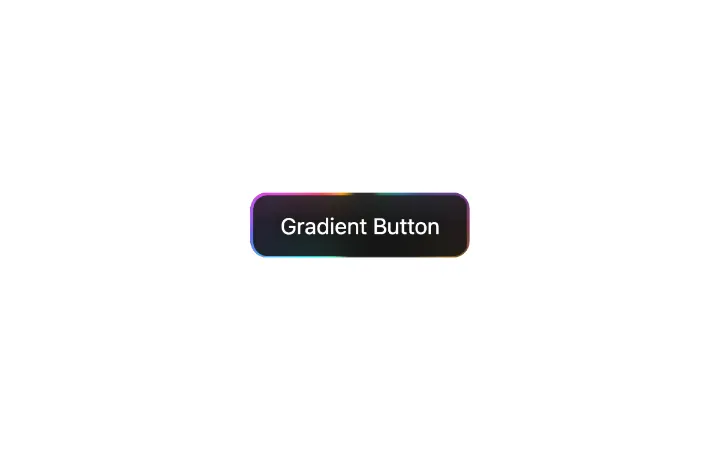
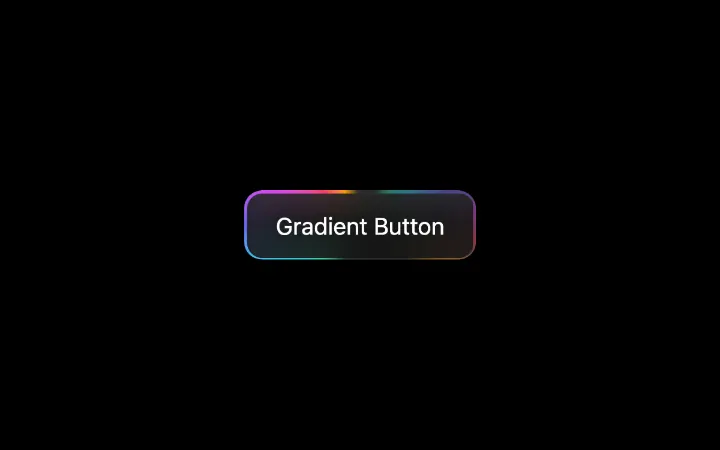
GradientButton
Dark button with a beam of light that travels around its border and casts a soft coloured glow inside the face; the glow brightens on hover
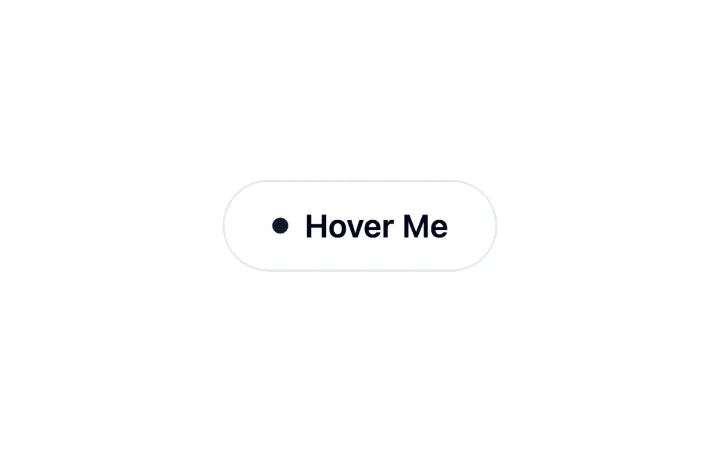
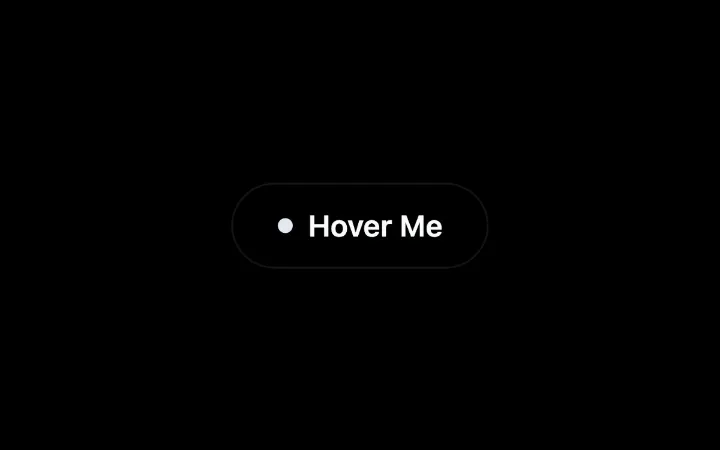
InteractiveHoverButton
Button whose dot opens into a circle that fills it on hover, while the label rolls up and out and returns with an arrow
Pressable
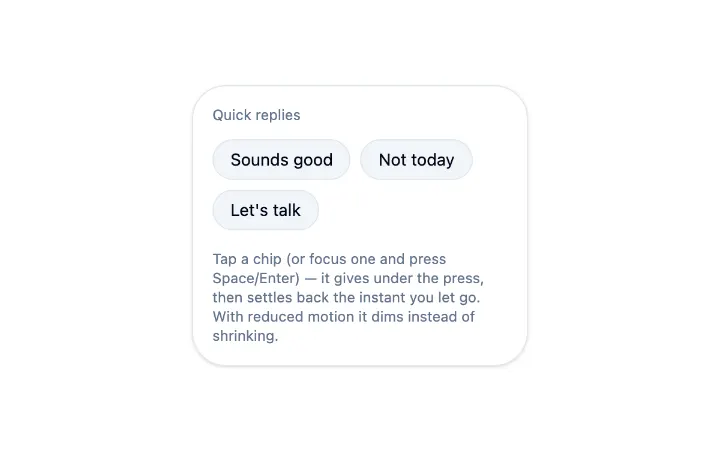
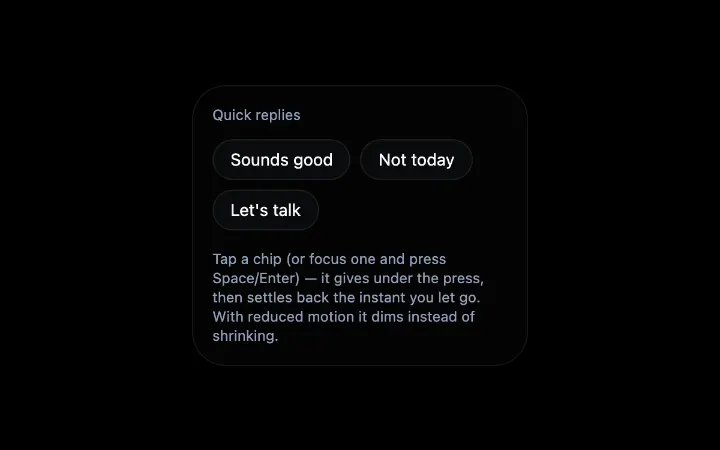
A wrapper that gives any interactive child a consistent, cross-browser press animation — scale down on pointerdown/keydown, back to rest on release, with a static opacity fallback under reduced motion