Backgrounds Fancy Stable
FallingStarsBg
Canvas-based 3D starfield with perspective projection, motion trails, and glow
Available for Svelte 5, React, and Vue 3.
Preview
svelte
<script lang="ts">
  import { FallingStarsBg } from 'fancy-ui-svelte';
</script>

<FallingStarsBg />
Installation
pnpm add fancy-ui-svelte
import { FallingStarsBg } from "fancy-ui-svelte";
Usage
svelte
<script lang="ts">
  import { FallingStarsBg } from 'fancy-ui-svelte';
</script>

<FallingStarsBg />
Examples
Basic Usage
svelte
<script lang="ts">
	import { FallingStarsBg } from "$lib/fancy-ui/bg-falling-stars";
</script>

<div class="bg-background relative h-[400px] overflow-hidden rounded-lg border">
	<FallingStarsBg />
	<div class="relative z-10 flex h-full items-center justify-center">
		<h2 class="text-foreground text-4xl font-bold">Falling Stars</h2>
	</div>
</div>
Custom Color
svelte
<script lang="ts">
	import { FallingStarsBg } from "$lib/fancy-ui/bg-falling-stars";
</script>

<div class="grid grid-cols-1 gap-4 md:grid-cols-2">
	<div class="relative h-[250px] overflow-hidden rounded-lg border bg-black">
		<FallingStarsBg color="#60a5fa" />
		<div class="relative z-10 flex h-full items-center justify-center">
			<p class="text-blue-300">color="#60a5fa"</p>
		</div>
	</div>
	<div class="relative h-[250px] overflow-hidden rounded-lg border bg-black">
		<FallingStarsBg color="#f472b6" />
		<div class="relative z-10 flex h-full items-center justify-center">
			<p class="text-pink-300">color="#f472b6"</p>
		</div>
	</div>
</div>
Star Count
Control number of stars.
svelte
<script lang="ts">
	import { FallingStarsBg } from "$lib/fancy-ui/bg-falling-stars";
</script>

<div class="grid grid-cols-1 gap-4 md:grid-cols-2">
	<div class="bg-background relative h-[250px] overflow-hidden rounded-lg border">
		<FallingStarsBg count={50} />
		<div class="relative z-10 flex h-full items-center justify-center">
			<p class="text-muted-foreground text-sm">count=50 (sparse)</p>
		</div>
	</div>
	<div class="bg-background relative h-[250px] overflow-hidden rounded-lg border">
		<FallingStarsBg count={500} />
		<div class="relative z-10 flex h-full items-center justify-center">
			<p class="text-muted-foreground text-sm">count=500 (dense)</p>
		</div>
	</div>
</div>
Props
| Prop | Type | Default | Description |
|---|---|---|---|
color | string | "currentColor" | Star color: a hex string, or currentColor to follow the text colour |
count | number | 200 | Number of stars |
Links
Related components
FlickeringGrid
Canvas grid of squares that flicker in and out of opacity at random each frame, pausing automatically via IntersectionObserver when scrolled off-screen and resizing to fit its container via ResizeObserver
Backgrounds Fancy


MatrixRain
Canvas-based falling glyph rain with configurable color, speed, and density
Backgrounds Fancy
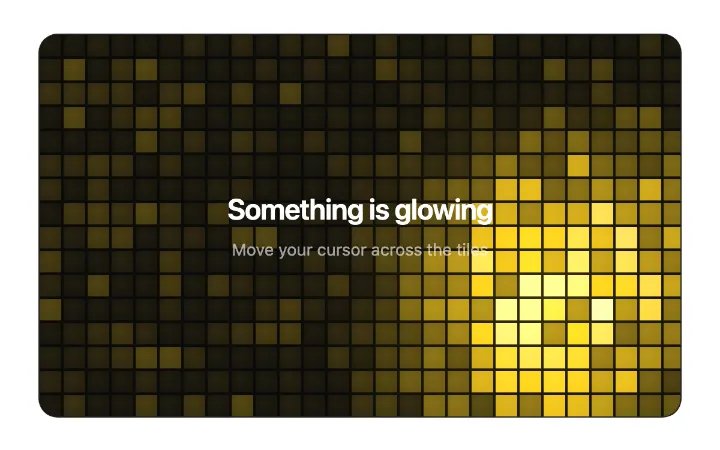
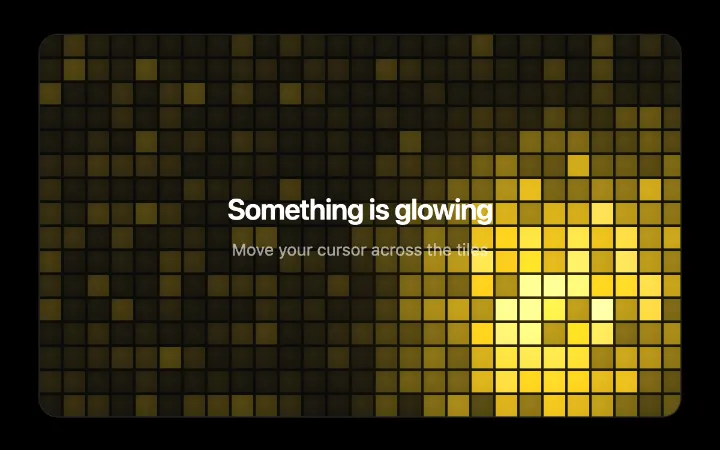
MosaicGlow
Canvas mosaic of small tiles on a dark surface where a soft halo follows the cursor with a lag, lighting tiles to random gold intensities that decay into a comet trail, with an additive bloom over the gaps, a glassy per-tile highlight, ambient flicker and an autonomous drift when idle
Backgrounds Fancy