PixelScene
An animated pixel-art landscape on a dot grid: sparse ink dots at rest, full colour under a round lens that follows the pointer, separate day and night palettes, and on HDR displays lit windows, stars and the sun drawn as squares brighter than SDR white. Four scenes: alpine, meadow, sea and mountains.
Available for Svelte 5, React, and Vue 3.
Preview
<script lang="ts">
	import { PixelScene } from "fancy-ui-svelte";

	// The component never changes `night`: the page owns it. A click anywhere on the
	// picture flips it, and the button gives keyboard users the same switch.
	let night = $state(false);
</script>

<PixelScene
	scene="alpine"
	{night}
	onclick={() => (night = !night)}
	class="border-foreground/10 text-foreground h-[340px] w-full cursor-pointer rounded-2xl border"
>
	<div class="pointer-events-none absolute top-5 left-5 max-w-[460px] pr-5 sm:top-9 sm:left-9">
		<p class="text-muted-foreground font-mono text-[11px] tracking-[0.2em] uppercase">
			Season notes · {night ? "After dark" : "Morning"}
		</p>
		<h3 class="mt-2 text-3xl leading-tight font-semibold tracking-tight sm:text-4xl">
			First snow on the ridge
		</h3>
		<p class="text-muted-foreground mt-3 hidden max-w-sm text-sm leading-relaxed sm:block">
			Move across the picture to see it through the lens. Click anywhere to let the night fall.
		</p>
		<button
			type="button"
			aria-pressed={night}
			class="border-foreground/20 bg-background/70 hover:bg-background focus-visible:ring-ring pointer-events-auto mt-4 inline-flex items-center gap-2 rounded-full border px-3 py-1 text-xs font-medium backdrop-blur-sm transition-colors focus-visible:ring-2 focus-visible:outline-none"
			onclick={(event) => {
				event.stopPropagation();
				night = !night;
			}}
		>
			<span
				class="size-2 rounded-full {night ? 'bg-[#ffd15c]' : 'bg-foreground/30'}"
				aria-hidden="true"
			></span>
			Night
		</button>
	</div>
</PixelScene>
Installation
Usage
<script lang="ts">
	import { PixelScene } from "fancy-ui-svelte";

	// The component never changes `night`: the page owns it. A click anywhere on the
	// picture flips it, and the button gives keyboard users the same switch.
	let night = $state(false);
</script>

<PixelScene
	scene="alpine"
	{night}
	onclick={() => (night = !night)}
	class="border-foreground/10 text-foreground h-[340px] w-full cursor-pointer rounded-2xl border"
>
	<div class="pointer-events-none absolute top-5 left-5 max-w-[460px] pr-5 sm:top-9 sm:left-9">
		<p class="text-muted-foreground font-mono text-[11px] tracking-[0.2em] uppercase">
			Season notes · {night ? "After dark" : "Morning"}
		</p>
		<h3 class="mt-2 text-3xl leading-tight font-semibold tracking-tight sm:text-4xl">
			First snow on the ridge
		</h3>
		<p class="text-muted-foreground mt-3 hidden max-w-sm text-sm leading-relaxed sm:block">
			Move across the picture to see it through the lens. Click anywhere to let the night fall.
		</p>
		<button
			type="button"
			aria-pressed={night}
			class="border-foreground/20 bg-background/70 hover:bg-background focus-visible:ring-ring pointer-events-auto mt-4 inline-flex items-center gap-2 rounded-full border px-3 py-1 text-xs font-medium backdrop-blur-sm transition-colors focus-visible:ring-2 focus-visible:outline-none"
			onclick={(event) => {
				event.stopPropagation();
				night = !night;
			}}
		>
			<span
				class="size-2 rounded-full {night ? 'bg-[#ffd15c]' : 'bg-foreground/30'}"
				aria-hidden="true"
			></span>
			Night
		</button>
	</div>
</PixelScene>
Examples
Basic Usage
<script lang="ts">
	import { PixelScene } from "$lib/fancy-ui/pixel-scene";

	// The component never changes `night`: the page owns it. A click anywhere on the
	// picture flips it, and the button gives keyboard users the same switch.
	let night = $state(false);
</script>

<PixelScene
	scene="alpine"
	{night}
	onclick={() => (night = !night)}
	class="border-foreground/10 text-foreground h-[340px] w-full cursor-pointer rounded-2xl border"
>
	<div class="pointer-events-none absolute top-5 left-5 max-w-[460px] pr-5 sm:top-9 sm:left-9">
		<p class="text-muted-foreground font-mono text-[11px] tracking-[0.2em] uppercase">
			Season notes · {night ? "After dark" : "Morning"}
		</p>
		<h3 class="mt-2 text-3xl leading-tight font-semibold tracking-tight sm:text-4xl">
			First snow on the ridge
		</h3>
		<p class="text-muted-foreground mt-3 hidden max-w-sm text-sm leading-relaxed sm:block">
			Move across the picture to see it through the lens. Click anywhere to let the night fall.
		</p>
		<button
			type="button"
			aria-pressed={night}
			class="border-foreground/20 bg-background/70 hover:bg-background focus-visible:ring-ring pointer-events-auto mt-4 inline-flex items-center gap-2 rounded-full border px-3 py-1 text-xs font-medium backdrop-blur-sm transition-colors focus-visible:ring-2 focus-visible:outline-none"
			onclick={(event) => {
				event.stopPropagation();
				night = !night;
			}}
		>
			<span
				class="size-2 rounded-full {night ? 'bg-[#ffd15c]' : 'bg-foreground/30'}"
				aria-hidden="true"
			></span>
			Night
		</button>
	</div>
</PixelScene>
Scenes
Alpine, meadow, sea and mountains, by day and by night.
<script lang="ts">
	import { PixelScene, PIXEL_SCENES, type PixelSceneName } from "$lib/fancy-ui/pixel-scene";

	// One instance whose `scene` changes: four live loops would cost four times the CPU.
	let scene = $state<PixelSceneName>("alpine");
	let night = $state(false);

	const label = (name: PixelSceneName) => name.charAt(0).toUpperCase() + name.slice(1);
</script>

<div class="flex w-full flex-col gap-3">
	<div class="flex flex-wrap items-center justify-between gap-3">
		<div
			class="border-foreground/15 inline-flex flex-wrap rounded-full border p-1"
			role="group"
			aria-label="Scene"
		>
			{#each PIXEL_SCENES as name (name)}
				<button
					type="button"
					aria-pressed={scene === name}
					class="focus-visible:ring-ring rounded-full px-3 py-1 text-xs font-medium transition-colors focus-visible:ring-2 focus-visible:outline-none {scene ===
					name
						? 'bg-foreground text-background'
						: 'text-muted-foreground hover:text-foreground'}"
					onclick={() => (scene = name)}
				>
					{label(name)}
				</button>
			{/each}
		</div>
		<button
			type="button"
			aria-pressed={night}
			class="border-foreground/15 hover:bg-foreground/5 focus-visible:ring-ring inline-flex items-center gap-2 rounded-full border px-3 py-1 text-xs font-medium transition-colors focus-visible:ring-2 focus-visible:outline-none"
			onclick={() => (night = !night)}
		>
			<span
				class="size-2 rounded-full {night ? 'bg-[#ffd15c]' : 'bg-foreground/30'}"
				aria-hidden="true"
			></span>
			Night
		</button>
	</div>
	<PixelScene
		{scene}
		{night}
		class="border-foreground/10 text-foreground h-[300px] w-full rounded-2xl border"
	/>
</div>
Hours of low light
The scene owns its surface and ink, so a click carries the whole card on the wave. Opens on the sea at night; switch the HDR look to compare.
<script lang="ts">
	import {
		PixelScene,
		PIXEL_SCENES,
		type PixelSceneHdrLook,
		type PixelSceneName,
	} from "$lib/fancy-ui/pixel-scene";

	// The scene owns its surface and its ink for both themes, so the wave carries
	// the whole card from day to night: background, dots and halo. The copy follows
	// once the front has passed it.
	let scene = $state<PixelSceneName>("sea");
	let night = $state(true);
	// Two HDR looks to compare on an HDR display: calibrated levels, or the
	// prototype's hotter, wider-gamut rendering. Same picture on SDR screens.
	let hdrLook = $state<PixelSceneHdrLook>("vivid");
	const LOOKS: PixelSceneHdrLook[] = ["calibrated", "vivid"];

	const SURFACES = ["#f7f7f5", "#0b0b0c"] as const;
	const INKS = ["#141414", "#e9e9e6"] as const;
	const MUTED = ["#6b6b6b", "#9a9a9a"] as const;
</script>

<div class="flex w-full flex-col gap-3">
	<div class="flex flex-wrap items-center gap-2" role="group" aria-label="Scene">
		{#each PIXEL_SCENES as name (name)}
			<button
				type="button"
				aria-pressed={scene === name}
				class="focus-visible:ring-ring rounded-full border px-3 py-1 text-xs font-medium transition-colors focus-visible:ring-2 focus-visible:outline-none {scene ===
				name
					? 'bg-foreground text-background border-foreground'
					: 'border-foreground/20 text-foreground hover:bg-foreground/5'}"
				onclick={() => (scene = name)}
			>
				{name}
			</button>
		{/each}
		<button
			type="button"
			aria-pressed={night}
			class="border-foreground/20 text-foreground hover:bg-foreground/5 focus-visible:ring-ring rounded-full border px-3 py-1 text-xs font-medium transition-colors focus-visible:ring-2 focus-visible:outline-none"
			onclick={() => (night = !night)}
		>
			night / day
		</button>
		<span class="text-muted-foreground ml-auto text-xs">HDR</span>
		<div
			class="border-foreground/15 inline-flex rounded-full border p-0.5"
			role="group"
			aria-label="HDR look"
		>
			{#each LOOKS as look (look)}
				<button
					type="button"
					aria-pressed={hdrLook === look}
					class="focus-visible:ring-ring rounded-full px-2.5 py-0.5 text-xs font-medium transition-colors focus-visible:ring-2 focus-visible:outline-none {hdrLook ===
					look
						? 'bg-foreground text-background'
						: 'text-muted-foreground hover:text-foreground'}"
					onclick={() => (hdrLook = look)}
				>
					{look}
				</button>
			{/each}
		</div>
	</div>
	<PixelScene
		{scene}
		{night}
		{hdrLook}
		surfaces={SURFACES}
		inks={INKS}
		onclick={() => (night = !night)}
		class="h-[340px] w-full cursor-crosshair rounded-[14px]"
	>
		<div
			class="hours-copy pointer-events-none absolute top-9 left-9 max-w-[460px] pr-9"
			style:--copy={INKS[night ? 1 : 0]}
			style:--muted={MUTED[night ? 1 : 0]}
		>
			<p class="text-[11px] tracking-[0.28em] uppercase" style:color="var(--muted)">
				Issue 14 · Late autumn
			</p>
			<h3 class="mt-1.5 mb-2 text-[40px] leading-none font-semibold tracking-[-0.03em]">
				Hours of low light
			</h3>
			<p class="hidden text-sm sm:block" style:color="var(--muted)">
				Move the pointer over the picture to see it in colour. Click to switch night and day.
			</p>
		</div>
	</PixelScene>
</div>

<style>
	/* The copy sits far from the sun: it turns once the front has reached it. */
	.hours-copy,
	.hours-copy p {
		color: var(--copy);
		transition: color 0.3s ease 0.6s;
	}
</style>
Interactive Playground
<script lang="ts">
	import { PixelScene, type PixelSceneName } from "$lib/fancy-ui/pixel-scene";
	import PropsPlayground from "$lib/components/PropsPlayground.svelte";
</script>

<PropsPlayground
	component="PixelScene"
	slug="pixel-scene"
	constraints={[
		"Give the host a height: the picture fills whatever box it gets.",
		"`night` is one-way: the component never changes it. Flip it from your own click, button or theme.",
		"Keep copy in the top-left corner, which every scene leaves open.",
	]}
	controls={[
		{
			key: "scene",
			type: "select",
			label: "Scene",
			options: [
				{ value: "alpine", label: "Alpine" },
				{ value: "meadow", label: "Meadow" },
				{ value: "sea", label: "Sea" },
				{ value: "mountains", label: "Mountains" },
			],
		},
		{ key: "night", type: "boolean", label: "Night" },
		{ key: "cell", type: "range", label: "Cell (px)", min: 4, max: 12, step: 1 },
		{ key: "dot", type: "range", label: "Dot (px)", min: 1, max: 12, step: 1 },
		{ key: "lens", type: "boolean", label: "Lens" },
		{ key: "lensRadius", type: "range", label: "Lens radius (cells)", min: 6, max: 40, step: 1 },
		{
			key: "ink",
			type: "select",
			label: "Ink",
			options: [
				{ value: "currentColor", label: "Text colour" },
				{ value: "#6b7383", label: "Slate" },
				{ value: "#b5402a", label: "Rust" },
				{ value: "#2f5a3a", label: "Pine" },
			],
		},
		{ key: "hdr", type: "boolean", label: "HDR" },
		{ key: "paused", type: "boolean", label: "Paused" },
	]}
	initialValues={{
		scene: "alpine",
		night: false,
		cell: 5,
		dot: 4,
		lens: true,
		lensRadius: 21,
		ink: "currentColor",
		hdr: true,
		paused: false,
	}}
>
	{#snippet preview(values)}
		<PixelScene
			class="border-foreground/10 text-foreground h-72 w-full rounded-xl border"
			scene={values.scene as PixelSceneName}
			night={values.night as boolean}
			cell={values.cell as number}
			dot={values.dot as number}
			lens={values.lens as boolean}
			lensRadius={values.lensRadius as number}
			ink={values.ink as string}
			hdr={values.hdr as boolean}
			paused={values.paused as boolean}
		/>
	{/snippet}
</PropsPlayground>
Props
| Prop | Type | Default | Description |
|---|---|---|---|
scene | "alpine" | "meadow" | "sea" | "mountains" | "alpine" | Which landscape to paint. |
night | boolean | false | Night palette: stars, moonlit snow, lit windows. The component never changes it; toggle it from your own click or theme. |
cell | number | 5 | Grid pitch in CSS pixels. Very large boxes use a coarser pitch so a frame stays under about 72 000 cells. |
dot | number | 4 | Edge of each square dot in CSS pixels (at most `cell`). |
lens | boolean | true | Shows the picture in full colour under a round lens that follows the pointer. |
lensRadius | number | 21 | Lens radius in cells. Its rim is dithered on the grid. |
hdr | boolean | true | On a display that reports HDR, redraws the sun, windows, stars and the lens in a WebGPU layer brighter than SDR white. Elsewhere nothing is created. |
hdrLook | "calibrated" | "vivid" | "calibrated" | HDR rendering: calibrated levels (glow 1 is the SDR dot, sRGB), or vivid, a hotter, wider-gamut look (display-p3) with lamps at the panel peak. |
ink | string | "currentColor" | Colour of the resting dots outside the lens. Resolved on the host, so it follows the theme. |
paused | boolean | false | Freezes clouds, birds and lights; the lens still follows the pointer. |
wave | boolean | true | Plays a change of `night` as a dithered wave spreading from the sun (or moon), led by a halo that glows on HDR displays. Off under reduced motion. |
surfaces | readonly [day: string, night: string] | — | Background painted by the scene for each theme; the wave carries it from one to the other. Without it the canvas is transparent. |
inks | readonly [day: string, night: string] | — | Dot colour for each theme, swapped by the wave. Overrides `ink`. |
class | string | - | Additional classes on the host. Give it a height. |
Slots
| Slot | Description |
|---|---|
children | Copy rendered above the picture. Keep it in the top-left corner, which every scene leaves open. |
Links
Related components
AnimatedBeam
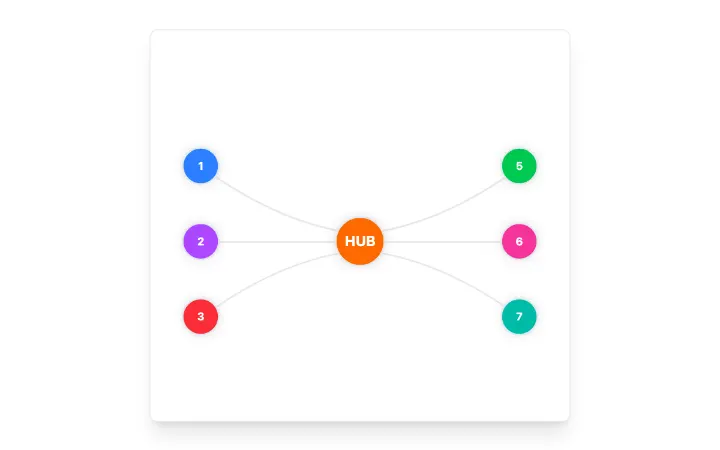
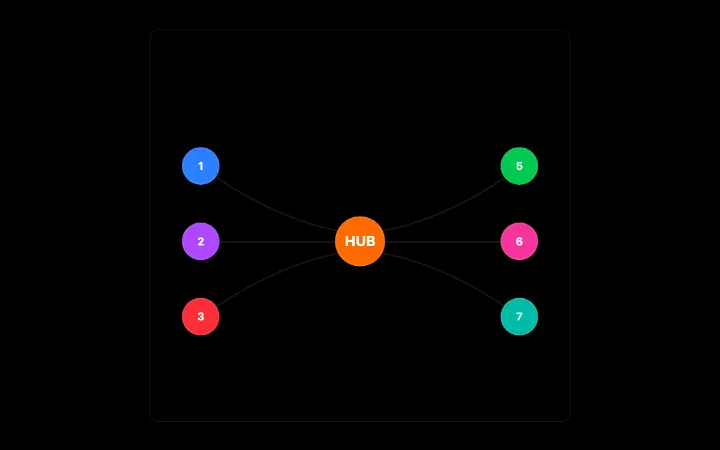
Fibre-optic connector between two elements: a light packet with a dispersing chromatic tail runs along a glass fibre and blooms behind the destination on arrival; theme-aware, seeded and still under reduced motion.
BorderBeam
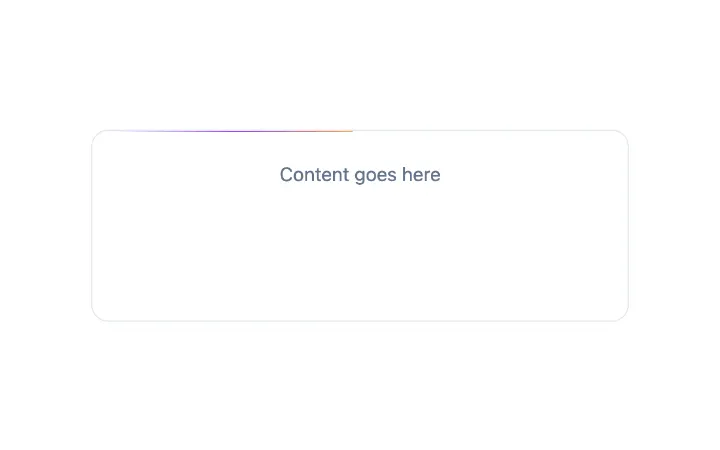
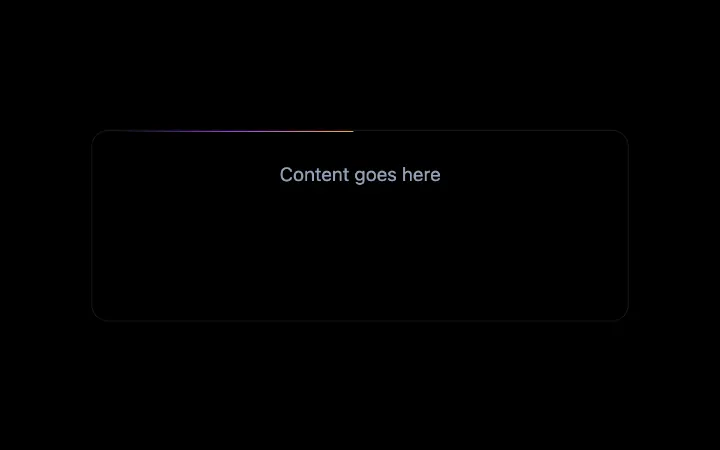
A single comet of light riding a container's border: a white-hot head, a long feathered tail fading between two colours, a dim hairline that lights up only within the comet's reach, and a soft bloom that sits on the edge.
Confetti
Confetti celebration effect powered by canvas-confetti with button trigger support