Accordion
A stack of headed sections where one or several open at a time, with a collapse that animates without measuring, arrow-key navigation between headers and labelled regions for assistive tech.
Available for Svelte 5, React, and Vue 3.
Preview
<script lang="ts">
	import {
		Accordion,
		AccordionItem,
		AccordionTrigger,
		AccordionContent,
	} from "fancy-ui-svelte";

	let value = $state("shipping");
</script>

<Accordion type="single" collapsible bind:value class="w-full max-w-md">
	<AccordionItem value="shipping">
		<AccordionTrigger>How long does shipping take?</AccordionTrigger>
		<AccordionContent>Orders leave the warehouse within two working days.</AccordionContent>
	</AccordionItem>
	<AccordionItem value="returns">
		<AccordionTrigger>Can I return an item?</AccordionTrigger>
		<AccordionContent>
			Yes, within 30 days, as long as it is unused and in its original packaging.
		</AccordionContent>
	</AccordionItem>
	<AccordionItem value="support">
		<AccordionTrigger>How do I reach support?</AccordionTrigger>
		<AccordionContent>Write to us any time and we reply within one working day.</AccordionContent>
	</AccordionItem>
</Accordion>
Installation
Usage
<script lang="ts">
	import {
		Accordion,
		AccordionItem,
		AccordionTrigger,
		AccordionContent,
	} from "fancy-ui-svelte";

	let value = $state("shipping");
</script>

<Accordion type="single" collapsible bind:value class="w-full max-w-md">
	<AccordionItem value="shipping">
		<AccordionTrigger>How long does shipping take?</AccordionTrigger>
		<AccordionContent>Orders leave the warehouse within two working days.</AccordionContent>
	</AccordionItem>
	<AccordionItem value="returns">
		<AccordionTrigger>Can I return an item?</AccordionTrigger>
		<AccordionContent>
			Yes, within 30 days, as long as it is unused and in its original packaging.
		</AccordionContent>
	</AccordionItem>
	<AccordionItem value="support">
		<AccordionTrigger>How do I reach support?</AccordionTrigger>
		<AccordionContent>Write to us any time and we reply within one working day.</AccordionContent>
	</AccordionItem>
</Accordion>
Examples
Basic Usage
One item open at a time, and the open item can be closed again.
<script lang="ts">
	import {
		Accordion,
		AccordionItem,
		AccordionTrigger,
		AccordionContent,
	} from "$lib/fancy-ui/accordion";

	let value = $state("shipping");
</script>

<Accordion type="single" collapsible bind:value class="w-full max-w-md">
	<AccordionItem value="shipping">
		<AccordionTrigger>How long does shipping take?</AccordionTrigger>
		<AccordionContent>Orders leave the warehouse within two working days.</AccordionContent>
	</AccordionItem>
	<AccordionItem value="returns">
		<AccordionTrigger>Can I return an item?</AccordionTrigger>
		<AccordionContent>
			Yes, within 30 days, as long as it is unused and in its original packaging.
		</AccordionContent>
	</AccordionItem>
	<AccordionItem value="support">
		<AccordionTrigger>How do I reach support?</AccordionTrigger>
		<AccordionContent>Write to us any time and we reply within one working day.</AccordionContent>
	</AccordionItem>
</Accordion>
Multiple
Any number of items open at once, with one item disabled.
<script lang="ts">
	import {
		Accordion,
		AccordionItem,
		AccordionTrigger,
		AccordionContent,
	} from "$lib/fancy-ui/accordion";

	let value = $state<string[]>(["profile", "security"]);
</script>

<Accordion type="multiple" bind:value class="w-full max-w-md">
	<AccordionItem value="profile">
		<AccordionTrigger>Profile</AccordionTrigger>
		<AccordionContent>Your name, avatar and the address people can find you at.</AccordionContent>
	</AccordionItem>
	<AccordionItem value="notifications">
		<AccordionTrigger>Notifications</AccordionTrigger>
		<AccordionContent>Choose which events send an email and which stay in the app.</AccordionContent
		>
	</AccordionItem>
	<AccordionItem value="security">
		<AccordionTrigger>Security</AccordionTrigger>
		<AccordionContent>Password, two-factor authentication and signed-in devices.</AccordionContent>
	</AccordionItem>
	<AccordionItem value="billing" disabled>
		<AccordionTrigger>Billing</AccordionTrigger>
		<AccordionContent>Only workspace owners can see this section.</AccordionContent>
	</AccordionItem>
</Accordion>
Controlled
The open item driven from outside through a bound value.
<script lang="ts">
	import {
		Accordion,
		AccordionItem,
		AccordionTrigger,
		AccordionContent,
	} from "$lib/fancy-ui/accordion";
	import { Button } from "$lib/fancy-ui/button";

	let value = $state("");
</script>

<div class="flex w-full max-w-md flex-col gap-4">
	<div class="flex flex-wrap items-center gap-2">
		<Button size="sm" variant="outline" onclick={() => (value = "one")}>Open step one</Button>
		<Button size="sm" variant="outline" onclick={() => (value = "two")}>Open step two</Button>
		<Button size="sm" variant="ghost" onclick={() => (value = "")}>Close all</Button>
		<span class="text-muted-foreground text-sm">Open: {value || "none"}</span>
	</div>

	<Accordion type="single" collapsible bind:value>
		<AccordionItem value="one">
			<AccordionTrigger>Step one: install</AccordionTrigger>
			<AccordionContent>Add the package to your project with your package manager.</AccordionContent
			>
		</AccordionItem>
		<AccordionItem value="two">
			<AccordionTrigger>Step two: import</AccordionTrigger>
			<AccordionContent>Import the components you need and render them.</AccordionContent>
		</AccordionItem>
	</Accordion>
</div>
Props
| Prop | Type | Default | Description |
|---|---|---|---|
type | "single" | "multiple" | "single" | "single" keeps one item open at a time, "multiple" lets any number be open. |
value | string | string[] | - | The open item, bindable. A string for type="single" ("" when none is open), a string array for type="multiple". |
onValueChange | (value: string | string[]) => void | - | Called with the new value each time an item toggles. |
collapsible | boolean | false | With type="single", lets the open item be closed again. Without it one item stays open once opened. |
disabled | boolean | false | Disables every item. |
orientation | "horizontal" | "vertical" | "vertical" | The axis the items stack on, and which arrow-key pair moves focus. |
class | string | - | Additional CSS classes, merged onto the root. |
ref | HTMLDivElement | null | null | Bindable reference to the root element. |
AccordionItem.value * | string | - | This item's value: what the accordion's value holds while it is open. |
AccordionItem.disabled | boolean | false | Disables just this item; its trigger is skipped by the arrow keys. |
AccordionItem.class | string | - | Additional CSS classes, merged onto the item. |
AccordionItem.ref | HTMLDivElement | null | null | Bindable reference to the item element. |
AccordionTrigger.headingLevel | 1 | 2 | 3 | 4 | 5 | 6 | 3 | The level of the heading that wraps the trigger button. |
AccordionTrigger.disabled | boolean | false | Disables just this trigger, on top of its item and the accordion. |
AccordionTrigger.class | string | - | Additional CSS classes, merged onto the trigger button. |
AccordionTrigger.ref | HTMLButtonElement | null | null | Bindable reference to the trigger's button element. |
AccordionContent.forceMount | boolean | true | Keeps the children mounted while the item is closed. Pass false to unmount them once the collapse has finished. |
AccordionContent.class | string | - | Additional CSS classes, merged onto the inner body so padding collapses with the panel. |
AccordionContent.ref | HTMLDivElement | null | null | Bindable reference to the region element that animates. |
Slots
| Slot | Description |
|---|---|
children | The AccordionItems. |
AccordionItem.children | An AccordionTrigger and an AccordionContent. |
AccordionTrigger.children | The trigger's label. |
AccordionContent.children | The item's content. |
Links
Related components
Breadcrumb
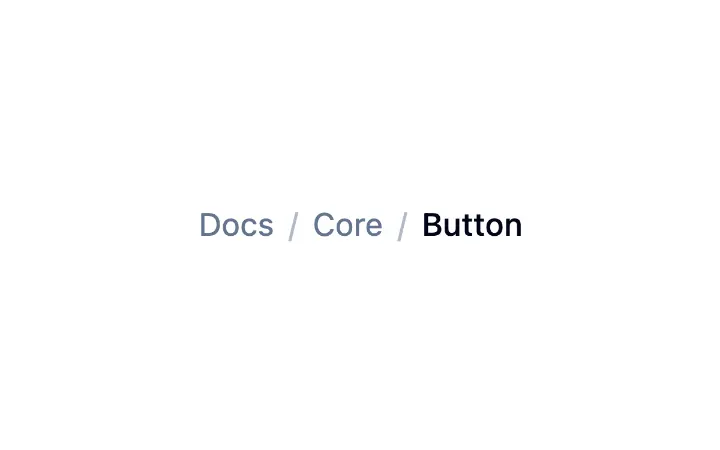
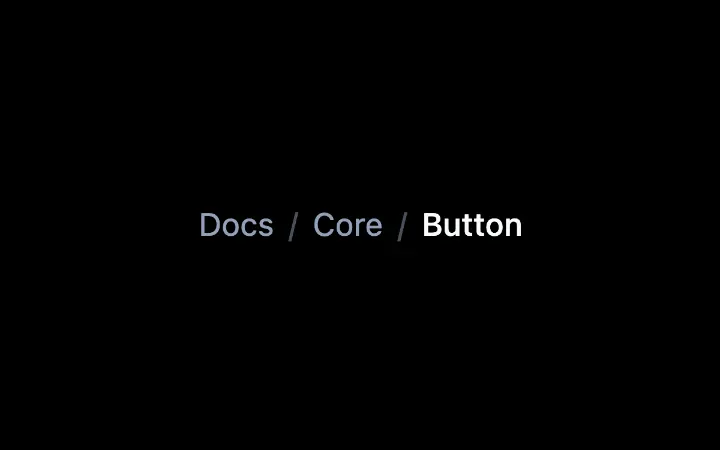
A data-driven trail of links with automatic truncation, a decorative separator, and the current page marked for assistive tech.
Collapsible
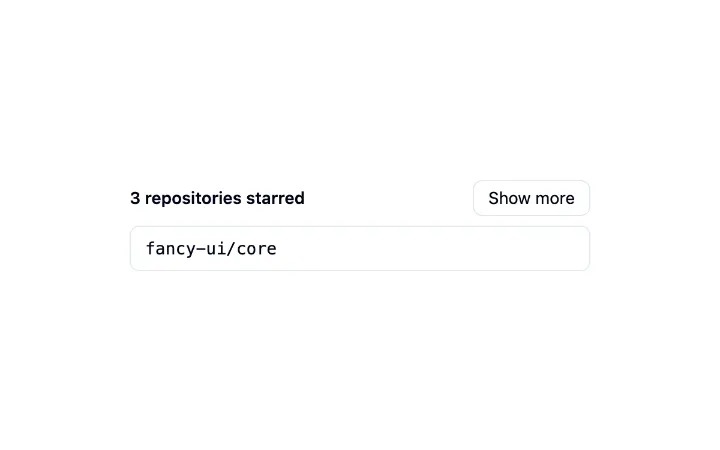
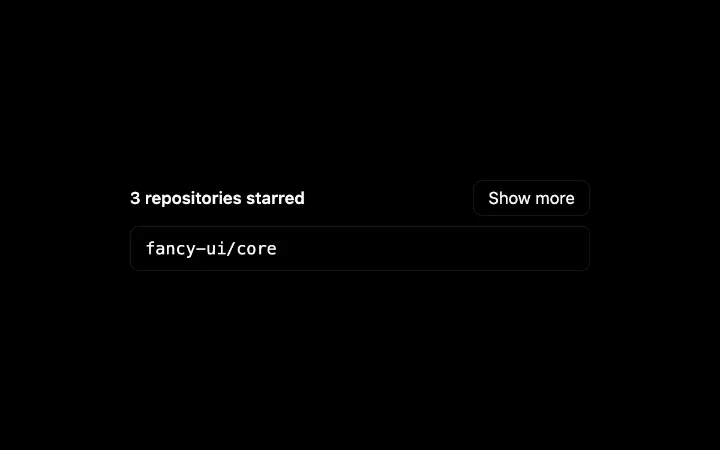
A single disclosure: a trigger that expands and collapses a region, animated without measuring so an interrupted toggle simply reverses, with the closed content kept in the page.
CommandMenu
A modal search palette over a flat vocabulary of items — grouped results, diacritic-insensitive filtering, match highlighting, and full keyboard navigation with focus that never leaves the search field.