AI Chat Fancy Stable
ImageGeneration
Fixed frame that holds its place while a model draws: an empty outline, then a pixel grid working over a drifting dot field, then the finished image easing out of a blur
Available for Svelte 5, React, and Vue 3.
Preview
svelte
<script lang="ts">
	import { onMount } from "svelte";
	import { ImageGeneration } from "fancy-ui-svelte";

	const PROMPT = "a lone barn under a sodium sunset, 35mm, grain";

	// The "generated" artwork is drawn here rather than fetched: the demo has no
	// network dependency, and the reveal always has something real to sharpen.
	// Single-quoted attributes survive encodeURIComponent untouched, which keeps
	// the encoded URI at about a third of the size double quotes would cost.
	const artwork = `data:image/svg+xml,${encodeURIComponent(
		`<svg xmlns='http://www.w3.org/2000/svg' viewBox='0 0 512 512'>
			<defs>
				<linearGradient id='sky' x1='0' y1='0' x2='0.4' y2='1'>
					<stop offset='0' stop-color='hsl(258 85% 40%)'/>
					<stop offset='0.55' stop-color='hsl(318 78% 55%)'/>
					<stop offset='1' stop-color='hsl(28 95% 62%)'/>
				</linearGradient>
				<radialGradient id='sun' cx='0.68' cy='0.34' r='0.34'>
					<stop offset='0' stop-color='hsl(48 100% 82%)'/>
					<stop offset='1' stop-color='hsl(38 100% 68%)' stop-opacity='0'/>
				</radialGradient>
			</defs>
			<rect width='512' height='512' fill='url(#sky)'/>
			<circle cx='348' cy='174' r='52' fill='hsl(46 100% 76%)'/>
			<rect width='512' height='512' fill='url(#sun)'/>
			<path d='M0 372 120 292 236 356 336 286 512 348 512 512 0 512Z' fill='hsl(266 55% 20%)' opacity='0.85'/>
			<path d='M0 438 132 384 292 448 512 402 512 512 0 512Z' fill='hsl(266 65% 12%)'/>
			<path d='M196 470 196 402 254 372 312 402 312 470Z' fill='hsl(12 45% 26%)'/>
			<path d='M254 470 254 430 288 430 288 470Z' fill='hsl(40 90% 66%)'/>
		</svg>`.replace(/\s+/g, " ")
	)}`;

	// idle is a beat, generating is the wait, done holds until the reader asks
	// for another run.
	const IDLE_MS = 700;
	const GENERATING_MS = 2500;

	let status = $state<"idle" | "generating" | "done" | "error">("idle");
	let timers: ReturnType<typeof setTimeout>[] = [];

	function stop() {
		for (const timer of timers) clearTimeout(timer);
		timers = [];
	}

	function run() {
		stop();
		status = "idle";
		timers.push(setTimeout(() => (status = "generating"), IDLE_MS));
		timers.push(setTimeout(() => (status = "done"), IDLE_MS + GENERATING_MS));
	}

	onMount(() => {
		// A reader who asked for less motion gets the finished frame rather than
		// a timed sequence they did not ask to sit through.
		if (window.matchMedia("(prefers-reduced-motion: reduce)").matches) {
			status = "done";
			return;
		}

		run();
		return stop;
	});
</script>

<div class="grid w-full max-w-2xl gap-6 p-6 sm:grid-cols-2">
	<ImageGeneration {status} src={artwork} alt={PROMPT} prompt={PROMPT} />

	<ImageGeneration
		sound
		status="error"
		alt="a rain-slicked alley at night, neon signage"
		prompt="a rain-slicked alley at night, neon signage"
		errorText="The model returned no image"
		onRetry={run}
	/>
</div>
Installation
pnpm add fancy-ui-svelte
import { ImageGeneration } from "fancy-ui-svelte";
Usage
svelte
<script lang="ts">
	import { onMount } from "svelte";
	import { ImageGeneration } from "fancy-ui-svelte";

	const PROMPT = "a lone barn under a sodium sunset, 35mm, grain";

	// The "generated" artwork is drawn here rather than fetched: the demo has no
	// network dependency, and the reveal always has something real to sharpen.
	// Single-quoted attributes survive encodeURIComponent untouched, which keeps
	// the encoded URI at about a third of the size double quotes would cost.
	const artwork = `data:image/svg+xml,${encodeURIComponent(
		`<svg xmlns='http://www.w3.org/2000/svg' viewBox='0 0 512 512'>
			<defs>
				<linearGradient id='sky' x1='0' y1='0' x2='0.4' y2='1'>
					<stop offset='0' stop-color='hsl(258 85% 40%)'/>
					<stop offset='0.55' stop-color='hsl(318 78% 55%)'/>
					<stop offset='1' stop-color='hsl(28 95% 62%)'/>
				</linearGradient>
				<radialGradient id='sun' cx='0.68' cy='0.34' r='0.34'>
					<stop offset='0' stop-color='hsl(48 100% 82%)'/>
					<stop offset='1' stop-color='hsl(38 100% 68%)' stop-opacity='0'/>
				</radialGradient>
			</defs>
			<rect width='512' height='512' fill='url(#sky)'/>
			<circle cx='348' cy='174' r='52' fill='hsl(46 100% 76%)'/>
			<rect width='512' height='512' fill='url(#sun)'/>
			<path d='M0 372 120 292 236 356 336 286 512 348 512 512 0 512Z' fill='hsl(266 55% 20%)' opacity='0.85'/>
			<path d='M0 438 132 384 292 448 512 402 512 512 0 512Z' fill='hsl(266 65% 12%)'/>
			<path d='M196 470 196 402 254 372 312 402 312 470Z' fill='hsl(12 45% 26%)'/>
			<path d='M254 470 254 430 288 430 288 470Z' fill='hsl(40 90% 66%)'/>
		</svg>`.replace(/\s+/g, " ")
	)}`;

	// idle is a beat, generating is the wait, done holds until the reader asks
	// for another run.
	const IDLE_MS = 700;
	const GENERATING_MS = 2500;

	let status = $state<"idle" | "generating" | "done" | "error">("idle");
	let timers: ReturnType<typeof setTimeout>[] = [];

	function stop() {
		for (const timer of timers) clearTimeout(timer);
		timers = [];
	}

	function run() {
		stop();
		status = "idle";
		timers.push(setTimeout(() => (status = "generating"), IDLE_MS));
		timers.push(setTimeout(() => (status = "done"), IDLE_MS + GENERATING_MS));
	}

	onMount(() => {
		// A reader who asked for less motion gets the finished frame rather than
		// a timed sequence they did not ask to sit through.
		if (window.matchMedia("(prefers-reduced-motion: reduce)").matches) {
			status = "done";
			return;
		}

		run();
		return stop;
	});
</script>

<div class="grid w-full max-w-2xl gap-6 p-6 sm:grid-cols-2">
	<ImageGeneration {status} src={artwork} alt={PROMPT} prompt={PROMPT} />

	<ImageGeneration
		sound
		status="error"
		alt="a rain-slicked alley at night, neon signage"
		prompt="a rain-slicked alley at night, neon signage"
		errorText="The model returned no image"
		onRetry={run}
	/>
</div>
Examples
Basic Usage
svelte
<script lang="ts">
	import { onMount } from "svelte";
	import { ImageGeneration } from "$lib/fancy-ui/image-generation";

	const PROMPT = "a lone barn under a sodium sunset, 35mm, grain";

	// The "generated" artwork is drawn here rather than fetched: the demo has no
	// network dependency, and the reveal always has something real to sharpen.
	// Single-quoted attributes survive encodeURIComponent untouched, which keeps
	// the encoded URI at about a third of the size double quotes would cost.
	const artwork = `data:image/svg+xml,${encodeURIComponent(
		`<svg xmlns='http://www.w3.org/2000/svg' viewBox='0 0 512 512'>
			<defs>
				<linearGradient id='sky' x1='0' y1='0' x2='0.4' y2='1'>
					<stop offset='0' stop-color='hsl(258 85% 40%)'/>
					<stop offset='0.55' stop-color='hsl(318 78% 55%)'/>
					<stop offset='1' stop-color='hsl(28 95% 62%)'/>
				</linearGradient>
				<radialGradient id='sun' cx='0.68' cy='0.34' r='0.34'>
					<stop offset='0' stop-color='hsl(48 100% 82%)'/>
					<stop offset='1' stop-color='hsl(38 100% 68%)' stop-opacity='0'/>
				</radialGradient>
			</defs>
			<rect width='512' height='512' fill='url(#sky)'/>
			<circle cx='348' cy='174' r='52' fill='hsl(46 100% 76%)'/>
			<rect width='512' height='512' fill='url(#sun)'/>
			<path d='M0 372 120 292 236 356 336 286 512 348 512 512 0 512Z' fill='hsl(266 55% 20%)' opacity='0.85'/>
			<path d='M0 438 132 384 292 448 512 402 512 512 0 512Z' fill='hsl(266 65% 12%)'/>
			<path d='M196 470 196 402 254 372 312 402 312 470Z' fill='hsl(12 45% 26%)'/>
			<path d='M254 470 254 430 288 430 288 470Z' fill='hsl(40 90% 66%)'/>
		</svg>`.replace(/\s+/g, " ")
	)}`;

	// idle is a beat, generating is the wait, done holds until the reader asks
	// for another run.
	const IDLE_MS = 700;
	const GENERATING_MS = 2500;

	let status = $state<"idle" | "generating" | "done" | "error">("idle");
	let timers: ReturnType<typeof setTimeout>[] = [];

	function stop() {
		for (const timer of timers) clearTimeout(timer);
		timers = [];
	}

	function run() {
		stop();
		status = "idle";
		timers.push(setTimeout(() => (status = "generating"), IDLE_MS));
		timers.push(setTimeout(() => (status = "done"), IDLE_MS + GENERATING_MS));
	}

	onMount(() => {
		// A reader who asked for less motion gets the finished frame rather than
		// a timed sequence they did not ask to sit through.
		if (window.matchMedia("(prefers-reduced-motion: reduce)").matches) {
			status = "done";
			return;
		}

		run();
		return stop;
	});
</script>

<div class="grid w-full max-w-2xl gap-6 p-6 sm:grid-cols-2">
	<ImageGeneration {status} src={artwork} alt={PROMPT} prompt={PROMPT} />

	<ImageGeneration
		sound
		status="error"
		alt="a rain-slicked alley at night, neon signage"
		prompt="a rain-slicked alley at night, neon signage"
		errorText="The model returned no image"
		onRetry={run}
	/>
</div>
Props
| Prop | Type | Default | Description |
|---|---|---|---|
status * | "idle" | "generating" | "done" | "error" | - | Which stage of the generation to render |
src | string | null | - | The generated image, shown once status is "done" |
alt * | string | - | Describes the image to assistive tech — typically the prompt |
aspectRatio | string | "1 / 1" | CSS aspect-ratio of the frame, holding the layout across every state |
prompt | string | - | Muted caption line under the frame |
errorText | string | "Generation failed" | The failure line shown in the error state |
onRetry | () => void | - | Pressing retry calls this; the retry button only exists when it is set |
onLoad | () => void | - | Called once the generated image has finished loading |
sound | boolean | false | Plays the press cue on retry, once the user has enabled sound |
Links
Related components
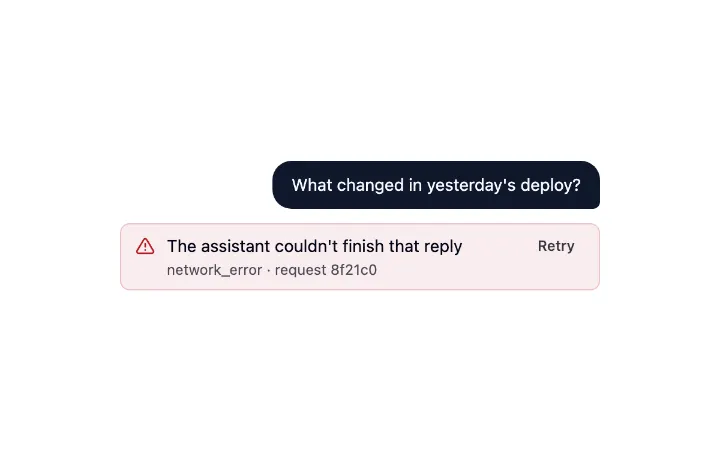
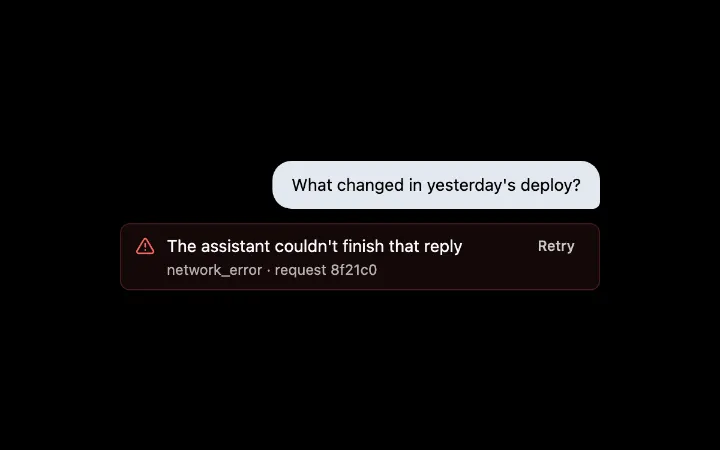
ChatError
Quiet inline failure banner for a chat turn: the error, an optional detail line, and a retry button that disables itself while the retry is in flight
AI Chat Fancy
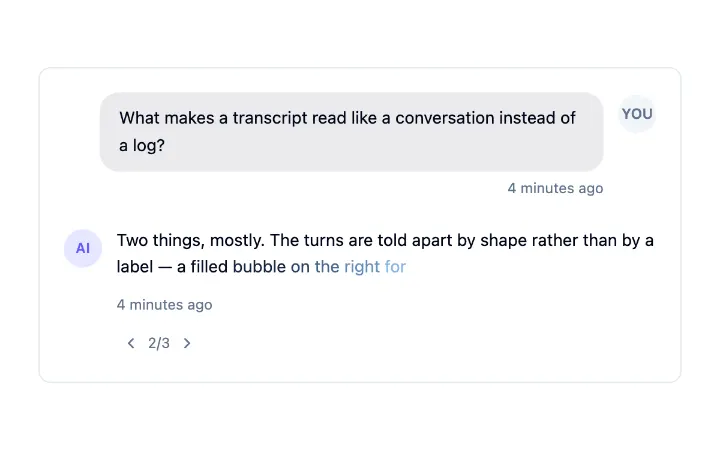
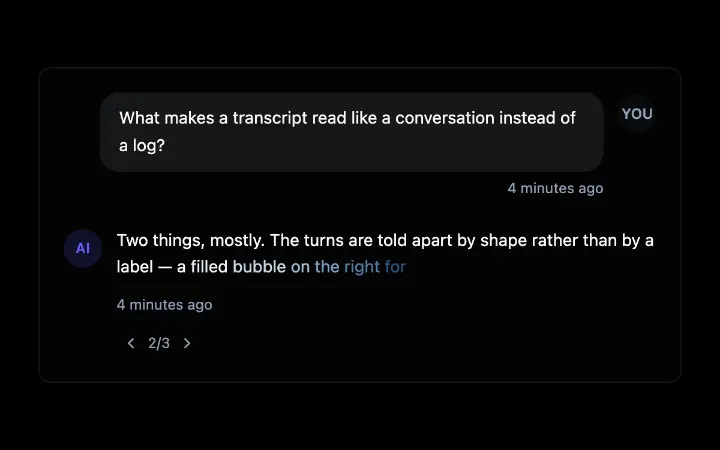
ChatMessage
One conversation turn, aligned and dressed by its role, streaming its body while the answer arrives, with an action rail that fades in on hover and a version navigator underneath
AI Chat Fancy
ChatPanel
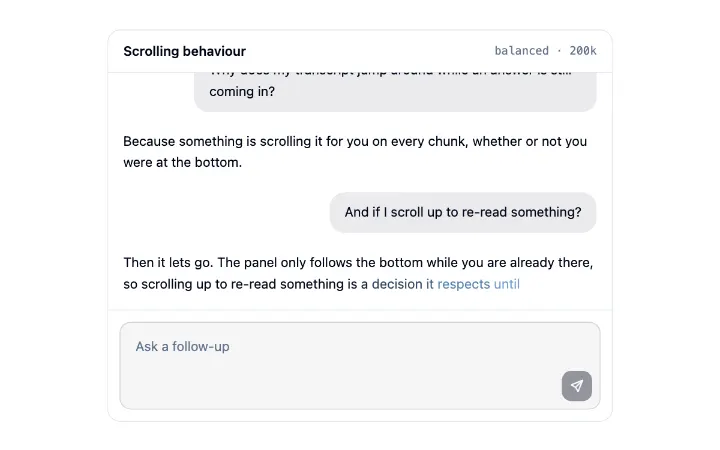
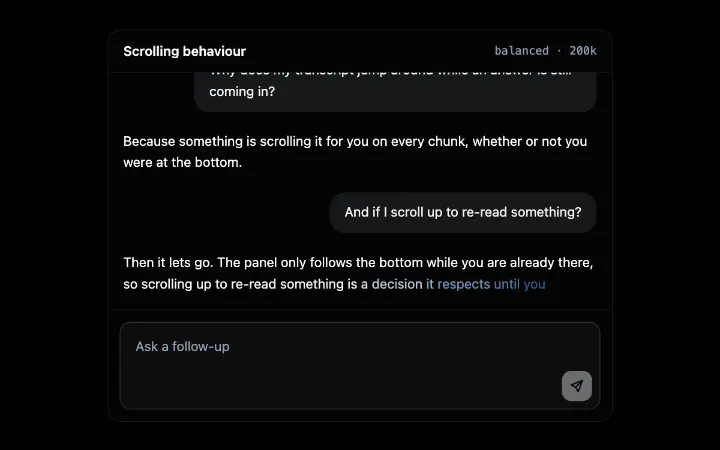
The shell a conversation lives in: a sticky header, a transcript that pins itself to the bottom while an answer arrives and offers the way back once you scroll up, and a sticky composer row
AI Chat Fancy