StoryThread
A narrative thread for scroll stories: the page pans sideways through your sections while a dotted line draws itself from node to node, a glowing head rides its tip, nodes light up as it reaches them, and segments can fork and meet again.
Available for Svelte 5, React, and Vue 3.
Preview
<script lang="ts">
	import { StoryNode, StoryThread } from "fancy-ui-svelte";

	const chapters = [
		{
			id: "start",
			n: "01",
			title: "Where it starts",
			text: "Scroll down: the page moves sideways and the thread follows.",
			top: "80%",
		},
		{
			id: "craft",
			n: "02",
			title: "Learning the craft",
			text: "Each node lights up as the thread reaches it.",
			top: "56%",
		},
		{
			id: "ship",
			n: "03",
			title: "Shipping it",
			text: "Wheel sideways, drag, or use the arrow keys.",
			top: "86%",
		},
		{
			id: "next",
			n: "04",
			title: "What comes next",
			text: "The end of the thread, so far.",
			top: "62%",
		},
	];
</script>

<div class="bg-background text-foreground h-[420px] w-full overflow-y-auto rounded-xl border">
	<StoryThread layout="horizontal" ariaLabel="A short story">
		{#each chapters as chapter (chapter.id)}
			<section class="relative h-full w-[520px] shrink-0 px-10 py-12">
				<p class="text-muted-foreground font-mono text-xs">( {chapter.n} )</p>
				<h3 class="mt-2 text-2xl font-semibold tracking-tight">{chapter.title}</h3>
				<p class="text-muted-foreground mt-2 max-w-[18rem] text-sm">{chapter.text}</p>
				<StoryNode id={chapter.id} class="absolute right-24" style="top: {chapter.top}" />
			</section>
		{/each}
	</StoryThread>
</div>
Installation
Usage
<script lang="ts">
	import { StoryNode, StoryThread } from "fancy-ui-svelte";

	const chapters = [
		{
			id: "start",
			n: "01",
			title: "Where it starts",
			text: "Scroll down: the page moves sideways and the thread follows.",
			top: "80%",
		},
		{
			id: "craft",
			n: "02",
			title: "Learning the craft",
			text: "Each node lights up as the thread reaches it.",
			top: "56%",
		},
		{
			id: "ship",
			n: "03",
			title: "Shipping it",
			text: "Wheel sideways, drag, or use the arrow keys.",
			top: "86%",
		},
		{
			id: "next",
			n: "04",
			title: "What comes next",
			text: "The end of the thread, so far.",
			top: "62%",
		},
	];
</script>

<div class="bg-background text-foreground h-[420px] w-full overflow-y-auto rounded-xl border">
	<StoryThread layout="horizontal" ariaLabel="A short story">
		{#each chapters as chapter (chapter.id)}
			<section class="relative h-full w-[520px] shrink-0 px-10 py-12">
				<p class="text-muted-foreground font-mono text-xs">( {chapter.n} )</p>
				<h3 class="mt-2 text-2xl font-semibold tracking-tight">{chapter.title}</h3>
				<p class="text-muted-foreground mt-2 max-w-[18rem] text-sm">{chapter.text}</p>
				<StoryNode id={chapter.id} class="absolute right-24" style="top: {chapter.top}" />
			</section>
		{/each}
	</StoryThread>
</div>
Examples
Basic Usage
Scroll inside the box: the sections pan sideways and the thread draws itself from node to node.
<script lang="ts">
	import { StoryNode, StoryThread } from "$lib/fancy-ui/story-thread";

	const chapters = [
		{
			id: "start",
			n: "01",
			title: "Where it starts",
			text: "Scroll down: the page moves sideways and the thread follows.",
			top: "80%",
		},
		{
			id: "craft",
			n: "02",
			title: "Learning the craft",
			text: "Each node lights up as the thread reaches it.",
			top: "56%",
		},
		{
			id: "ship",
			n: "03",
			title: "Shipping it",
			text: "Wheel sideways, drag, or use the arrow keys.",
			top: "86%",
		},
		{
			id: "next",
			n: "04",
			title: "What comes next",
			text: "The end of the thread, so far.",
			top: "62%",
		},
	];
</script>

<div class="bg-background text-foreground h-[420px] w-full overflow-y-auto rounded-xl border">
	<StoryThread layout="horizontal" ariaLabel="A short story">
		{#each chapters as chapter (chapter.id)}
			<section class="relative h-full w-[520px] shrink-0 px-10 py-12">
				<p class="text-muted-foreground font-mono text-xs">( {chapter.n} )</p>
				<h3 class="mt-2 text-2xl font-semibold tracking-tight">{chapter.title}</h3>
				<p class="text-muted-foreground mt-2 max-w-[18rem] text-sm">{chapter.text}</p>
				<StoryNode id={chapter.id} class="absolute right-24" style="top: {chapter.top}" />
			</section>
		{/each}
	</StoryThread>
</div>
Branches
Segments that leave the same node fork, advance together and meet again.
<script lang="ts">
	import { StoryNode, StoryThread } from "$lib/fancy-ui/story-thread";

	const segments = [
		{ nodes: ["intro", "school", "split"] },
		{ nodes: ["split", "branch-a", "join"], color: "oklch(0.82 0.08 240)" },
		{ nodes: ["split", "branch-b", "join"], color: "oklch(0.9 0.16 120)" },
	];
</script>

<div class="h-[440px] w-full overflow-y-auto rounded-xl border bg-zinc-950 text-zinc-100">
	<StoryThread layout="horizontal" {segments} ariaLabel="A story that forks">
		<section class="relative h-full w-[440px] shrink-0 p-10">
			<p class="font-mono text-xs text-zinc-400">( 01 ) Introduction</p>
			<h3 class="mt-2 text-2xl font-semibold">Follow the thread</h3>
			<StoryNode id="intro" class="absolute top-[64%] right-16" />
		</section>
		<section class="relative h-full w-[440px] shrink-0 p-10">
			<p class="font-mono text-xs text-zinc-400">( 02 ) School</p>
			<h3 class="mt-2 text-2xl font-semibold">Learning by making</h3>
			<StoryNode id="school" class="absolute top-[34%] right-24" />
		</section>
		<section class="relative h-full w-[560px] shrink-0 p-10">
			<p class="font-mono text-xs text-zinc-400">( 03 ) The path splits</p>
			<StoryNode id="split" variant="ring" class="absolute top-[52%] left-8" />
			<div class="absolute top-[8%] right-10 w-56">
				<p class="font-mono text-xs text-[oklch(0.82_0.08_240)]">Branch A</p>
				<p class="mt-1 text-sm text-zinc-300">Engineering at scale.</p>
			</div>
			<StoryNode id="branch-a" class="absolute top-[16%] right-72" />
			<div class="absolute right-10 bottom-[8%] w-56">
				<p class="font-mono text-xs text-[oklch(0.9_0.16_120)]">Branch B</p>
				<p class="mt-1 text-sm text-zinc-300">An open-source library.</p>
			</div>
			<StoryNode id="branch-b" class="absolute top-[86%] right-72" />
		</section>
		<section class="relative h-full w-[440px] shrink-0 p-10">
			<StoryNode id="join" variant="ring" class="absolute top-[52%] left-28" />
			<div class="absolute top-[44%] left-40">
				<p class="font-mono text-xs text-zinc-400">( 04 ) Next</p>
				<h3 class="mt-1 text-2xl font-semibold">Both roads meet</h3>
			</div>
		</section>
	</StoryThread>
</div>
Vertical
The same thread running down a plain stack, dashed.
<script lang="ts">
	import { StoryNode, StoryThread } from "$lib/fancy-ui/story-thread";

	const steps = [
		{ id: "2020", title: "First internship", side: "left" },
		{ id: "2021", title: "A museum archive", side: "right" },
		{ id: "2022", title: "A national library", side: "left" },
		{ id: "2023", title: "Design school", side: "right" },
		{ id: "2024", title: "A team of my own", side: "left" },
	];
</script>

<div class="bg-background text-foreground h-[420px] w-full overflow-y-auto rounded-xl border">
	<StoryThread layout="vertical" dash="dashed" ariaLabel="Timeline">
		<div class="py-48">
			{#each steps as step (step.id)}
				<div class="relative grid h-40 grid-cols-2 items-center gap-16 px-8">
					<StoryNode
						id={step.id}
						class="absolute top-1/2 -translate-y-1/2 {step.side === 'left'
							? 'left-[46%]'
							: 'left-[54%]'}"
					/>
					<div class={step.side === "left" ? "col-start-1 text-right" : "col-start-2"}>
						<p class="text-muted-foreground font-mono text-xs">{step.id}</p>
						<p class="text-lg font-medium">{step.title}</p>
					</div>
				</div>
			{/each}
		</div>
	</StoryThread>
</div>
Props
| Prop | Type | Default | Description |
|---|---|---|---|
layout | "auto" | "horizontal" | "vertical" | "auto" | `horizontal` pins a full-height viewport and pans the content sideways as the page scrolls; `vertical` keeps a plain stack with the thread running down it. `auto` is horizontal from 900 × 520 px up. |
segments | StoryThreadSegment[] | [] | Segments as `{ nodes: string[], color? }`, each through a list of StoryNode ids. Empty draws one segment through every node in document order. Segments that leave the same node draw a fork whose branches advance together. |
lead | number | 0.7 | Where the tip of the thread sits in the viewport, 0..1 along the reading axis. |
tension | number | 0.55 | Curve tension between nodes: 0 draws straight lines, 1 long flat tangents. |
dash | "dotted" | "dashed" | "solid" | "dotted" | Stroke pattern of the thread. |
head | boolean | true | Draws a glowing dot at the tip of every segment while it is drawing. |
sound | boolean | false | Plays a soft `tick` each time the thread reaches a node going forward. Only audible once the user has enabled sound. |
onReach | (id: string) => void | - | Called with a node's id each time the thread reaches it going forward. |
ariaLabel | string | "Story" | Accessible name of the region. |
class | string | - | Additional CSS classes on the root. |
Slots
| Slot | Description |
|---|---|
children | The story: sections holding `<StoryNode id>` anchors (`variant` `dot` or `ring`). Size the sections yourself; in the horizontal layout they sit side by side at full height. |
Links
Related components
Accordion
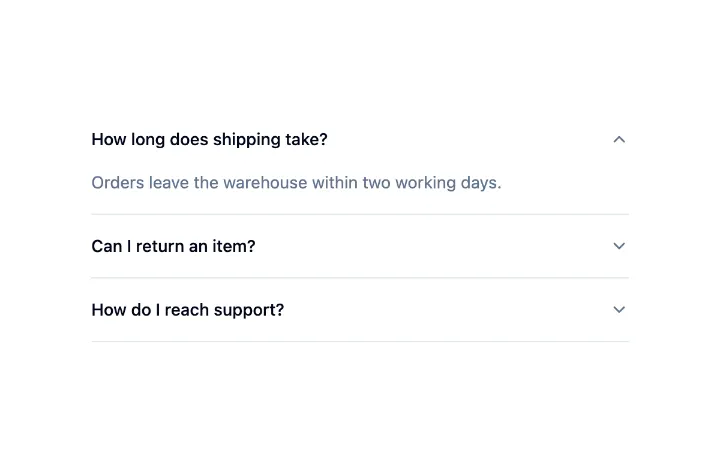
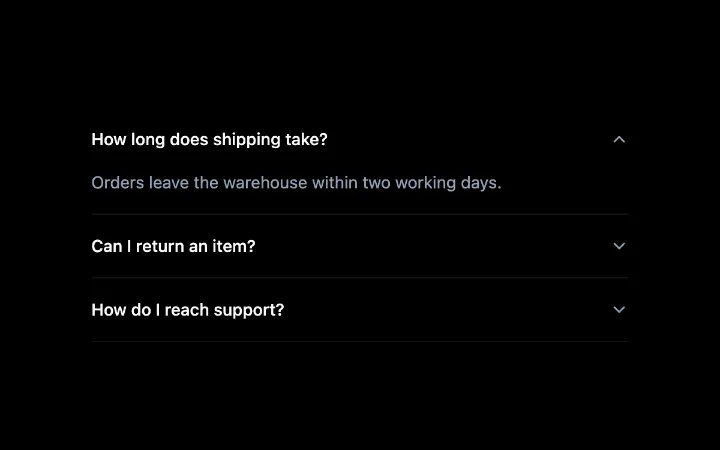
A stack of headed sections where one or several open at a time, with a collapse that animates without measuring, arrow-key navigation between headers and labelled regions for assistive tech.


Breadcrumb
A data-driven trail of links with automatic truncation, a decorative separator, and the current page marked for assistive tech.
Collapsible
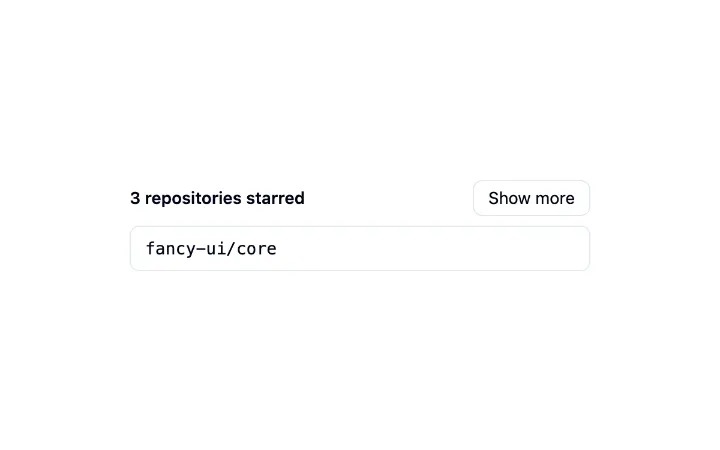
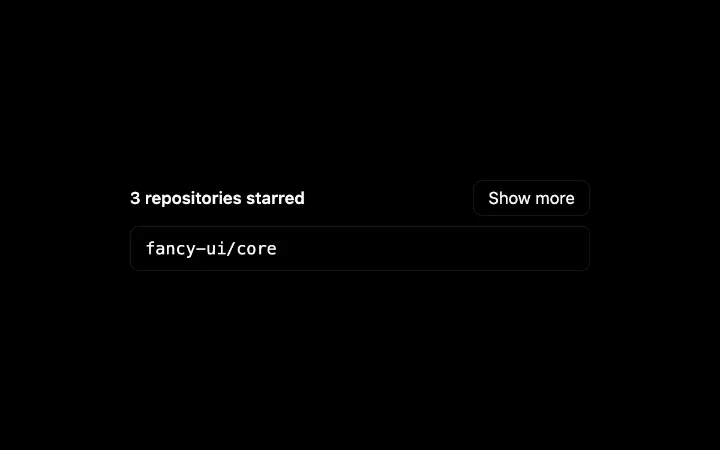
A single disclosure: a trigger that expands and collapses a region, animated without measuring so an interrupted toggle simply reverses, with the closed content kept in the page.