Data Display Core Stable
Badge
A short pill of status text in five treatments and two sizes, with native span attributes passed through
Available for Svelte 5, React, and Vue 3.
Preview
svelte
<script lang="ts">
	import { Badge } from "fancy-ui-svelte";
</script>

<div class="flex flex-wrap items-center gap-2">
	<Badge>Default</Badge>
	<Badge variant="secondary">Secondary</Badge>
	<Badge variant="outline">Outline</Badge>
	<Badge variant="destructive">Destructive</Badge>
	<Badge variant="success">Success</Badge>
</div>
Installation
pnpm add fancy-ui-svelte
import { Badge } from "fancy-ui-svelte";
Usage
svelte
<script lang="ts">
	import { Badge } from "fancy-ui-svelte";
</script>

<div class="flex flex-wrap items-center gap-2">
	<Badge>Default</Badge>
	<Badge variant="secondary">Secondary</Badge>
	<Badge variant="outline">Outline</Badge>
	<Badge variant="destructive">Destructive</Badge>
	<Badge variant="success">Success</Badge>
</div>
Examples
Basic Usage
The five variants, each with a visible word.
svelte
<script lang="ts">
	import { Badge } from "$lib/fancy-ui/badge";
</script>

<div class="flex flex-wrap items-center gap-2">
	<Badge>Default</Badge>
	<Badge variant="secondary">Secondary</Badge>
	<Badge variant="outline">Outline</Badge>
	<Badge variant="destructive">Destructive</Badge>
	<Badge variant="success">Success</Badge>
</div>
Sizes
Compact and regular, beside the rows they describe.
svelte
<script lang="ts">
	import { Badge } from "$lib/fancy-ui/badge";
</script>

<div class="flex flex-col gap-4">
	<div class="flex flex-wrap items-center gap-2">
		<Badge size="sm" variant="secondary">Small</Badge>
		<Badge size="md" variant="secondary">Regular</Badge>
	</div>
	<ul class="flex flex-col gap-2 text-sm">
		<li class="flex items-center justify-between gap-6">
			<span>Inbox</span>
			<Badge size="sm">12</Badge>
		</li>
		<li class="flex items-center justify-between gap-6">
			<span>Deploys</span>
			<Badge size="sm" variant="destructive">2 failed</Badge>
		</li>
		<li class="flex items-center justify-between gap-6">
			<span>Billing</span>
			<Badge size="sm" variant="success">Paid</Badge>
		</li>
	</ul>
</div>
Props
| Prop | Type | Default | Description |
|---|---|---|---|
variant | "default" | "secondary" | "outline" | "destructive" | "success" | "default" | Visual treatment. Always pair it with a visible word: colour is never the message |
size | "sm" | "md" | "md" | Compact or regular |
class | string | - | Additional CSS classes |
Slots
| Slot | Description |
|---|---|
children | The label |
Links
Related components

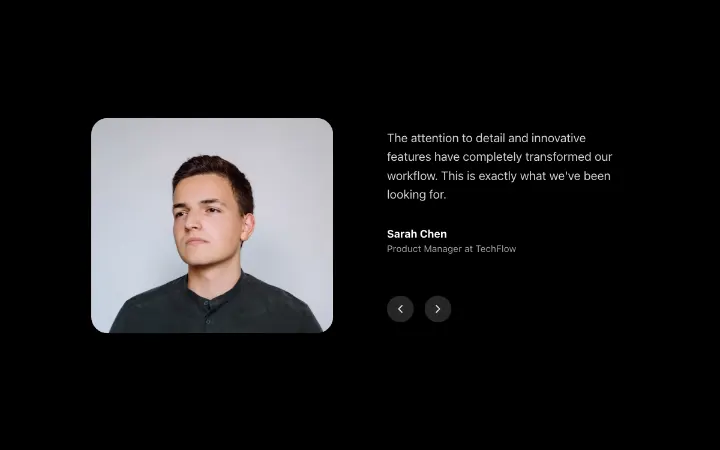
AnimatedTestimonials
Testimonial carousel with smooth slide animations and optional autoplay
Data Display Fancy
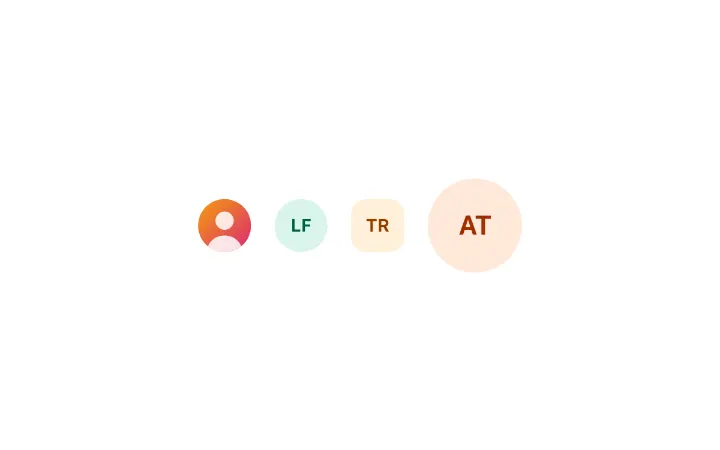
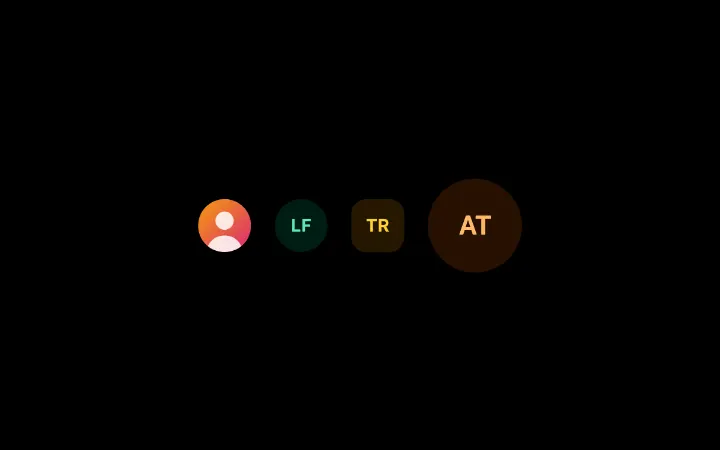
Avatar
A person or account as an image that shows a skeleton while it loads and falls back to one or two initials on a colour fixed by the name, as a circle or a rounded square
Data Display Core

LogoCloud
Logo display with animated marquee, static grid, and icon variants
Data Display Fancy