AI Chat Fancy Stable
WebSearch
A search the agent ran: the query in a search-bar header, an indeterminate scanning bar while it runs, and results that land one row at a time
Available for Svelte 5, React, and Vue 3.
Preview
svelte
<script lang="ts">
	import { onMount } from "svelte";
	import { WebSearch } from "fancy-ui-svelte";

	const QUERY = "postgres connection pool exhausted under load";

	const HITS = [
		{
			id: "h1",
			title: "Why your pool runs dry before your database does",
			url: "https://www.example.dev/posts/pool-exhaustion",
			snippet:
				"Connection limits are usually reached by leaked handles rather than by traffic. The give-away is a pool that never recovers after the spike passes.",
		},
		{
			id: "h2",
			title: "Sizing a connection pool",
			url: "https://notes.example.org/pool-sizing",
			snippet:
				"A pool larger than the server's max_connections turns a queue you can observe into an error you cannot.",
		},
		{
			id: "h3",
			title: "Tracking down a leaked transaction",
			url: "https://example.net/guides/leaked-transactions",
			snippet:
				"pg_stat_activity tells you which query is holding a connection open and for how long it has been idle in transaction.",
		},
		{
			id: "h4",
			title: "Backpressure beats a bigger pool",
			url: "https://blog.example.com/backpressure",
			snippet: "Queueing at the edge fails a request in milliseconds instead of in thirty seconds.",
		},
	];

	/** The beat between two hits arriving. */
	const HIT_MS = 700;
	/** How long the finished list sits before the search runs again. */
	const REPLAY_MS = 2600;

	let results = $state<typeof HITS>([]);
	let searching = $state(true);

	let timer: ReturnType<typeof setTimeout> | undefined;

	onMount(() => {
		// Nothing to stage when motion is reduced: the finished list is the state
		// the whole sequence was building towards anyway.
		if (window.matchMedia("(prefers-reduced-motion: reduce)").matches) {
			results = HITS;
			searching = false;
			return;
		}

		tick();
		return () => clearTimeout(timer);
	});

	function tick() {
		// Whether this is the last hit or the pause before starting over is decided
		// before the wait, since it is what sets the wait's length.
		const done = results.length === HITS.length;

		timer = setTimeout(
			() => {
				if (done) {
					results = [];
					searching = true;
				} else {
					results = HITS.slice(0, results.length + 1);
					// The last hit landing is also the end of the search.
					searching = results.length < HITS.length;
				}
				tick();
			},
			done ? REPLAY_MS : HIT_MS
		);
	}
</script>

<!--
	The loop empties the list to start over, which without a floor under the block
	would drop the page by the height of four rows and pull everything below it up
	— once every cycle, forever. The floor is the full state's height, so the
	sequence plays inside a box that never changes size.
-->
<div class="min-h-[24rem] w-full max-w-xl">
	<WebSearch sound query={QUERY} {results} {searching} />
</div>
Installation
pnpm add fancy-ui-svelte
import { WebSearch } from "fancy-ui-svelte";
Usage
svelte
<script lang="ts">
	import { onMount } from "svelte";
	import { WebSearch } from "fancy-ui-svelte";

	const QUERY = "postgres connection pool exhausted under load";

	const HITS = [
		{
			id: "h1",
			title: "Why your pool runs dry before your database does",
			url: "https://www.example.dev/posts/pool-exhaustion",
			snippet:
				"Connection limits are usually reached by leaked handles rather than by traffic. The give-away is a pool that never recovers after the spike passes.",
		},
		{
			id: "h2",
			title: "Sizing a connection pool",
			url: "https://notes.example.org/pool-sizing",
			snippet:
				"A pool larger than the server's max_connections turns a queue you can observe into an error you cannot.",
		},
		{
			id: "h3",
			title: "Tracking down a leaked transaction",
			url: "https://example.net/guides/leaked-transactions",
			snippet:
				"pg_stat_activity tells you which query is holding a connection open and for how long it has been idle in transaction.",
		},
		{
			id: "h4",
			title: "Backpressure beats a bigger pool",
			url: "https://blog.example.com/backpressure",
			snippet: "Queueing at the edge fails a request in milliseconds instead of in thirty seconds.",
		},
	];

	/** The beat between two hits arriving. */
	const HIT_MS = 700;
	/** How long the finished list sits before the search runs again. */
	const REPLAY_MS = 2600;

	let results = $state<typeof HITS>([]);
	let searching = $state(true);

	let timer: ReturnType<typeof setTimeout> | undefined;

	onMount(() => {
		// Nothing to stage when motion is reduced: the finished list is the state
		// the whole sequence was building towards anyway.
		if (window.matchMedia("(prefers-reduced-motion: reduce)").matches) {
			results = HITS;
			searching = false;
			return;
		}

		tick();
		return () => clearTimeout(timer);
	});

	function tick() {
		// Whether this is the last hit or the pause before starting over is decided
		// before the wait, since it is what sets the wait's length.
		const done = results.length === HITS.length;

		timer = setTimeout(
			() => {
				if (done) {
					results = [];
					searching = true;
				} else {
					results = HITS.slice(0, results.length + 1);
					// The last hit landing is also the end of the search.
					searching = results.length < HITS.length;
				}
				tick();
			},
			done ? REPLAY_MS : HIT_MS
		);
	}
</script>

<!--
	The loop empties the list to start over, which without a floor under the block
	would drop the page by the height of four rows and pull everything below it up
	— once every cycle, forever. The floor is the full state's height, so the
	sequence plays inside a box that never changes size.
-->
<div class="min-h-[24rem] w-full max-w-xl">
	<WebSearch sound query={QUERY} {results} {searching} />
</div>
Examples
Basic Usage
svelte
<script lang="ts">
	import { onMount } from "svelte";
	import { WebSearch } from "$lib/fancy-ui/web-search";

	const QUERY = "postgres connection pool exhausted under load";

	const HITS = [
		{
			id: "h1",
			title: "Why your pool runs dry before your database does",
			url: "https://www.example.dev/posts/pool-exhaustion",
			snippet:
				"Connection limits are usually reached by leaked handles rather than by traffic. The give-away is a pool that never recovers after the spike passes.",
		},
		{
			id: "h2",
			title: "Sizing a connection pool",
			url: "https://notes.example.org/pool-sizing",
			snippet:
				"A pool larger than the server's max_connections turns a queue you can observe into an error you cannot.",
		},
		{
			id: "h3",
			title: "Tracking down a leaked transaction",
			url: "https://example.net/guides/leaked-transactions",
			snippet:
				"pg_stat_activity tells you which query is holding a connection open and for how long it has been idle in transaction.",
		},
		{
			id: "h4",
			title: "Backpressure beats a bigger pool",
			url: "https://blog.example.com/backpressure",
			snippet: "Queueing at the edge fails a request in milliseconds instead of in thirty seconds.",
		},
	];

	/** The beat between two hits arriving. */
	const HIT_MS = 700;
	/** How long the finished list sits before the search runs again. */
	const REPLAY_MS = 2600;

	let results = $state<typeof HITS>([]);
	let searching = $state(true);

	let timer: ReturnType<typeof setTimeout> | undefined;

	onMount(() => {
		// Nothing to stage when motion is reduced: the finished list is the state
		// the whole sequence was building towards anyway.
		if (window.matchMedia("(prefers-reduced-motion: reduce)").matches) {
			results = HITS;
			searching = false;
			return;
		}

		tick();
		return () => clearTimeout(timer);
	});

	function tick() {
		// Whether this is the last hit or the pause before starting over is decided
		// before the wait, since it is what sets the wait's length.
		const done = results.length === HITS.length;

		timer = setTimeout(
			() => {
				if (done) {
					results = [];
					searching = true;
				} else {
					results = HITS.slice(0, results.length + 1);
					// The last hit landing is also the end of the search.
					searching = results.length < HITS.length;
				}
				tick();
			},
			done ? REPLAY_MS : HIT_MS
		);
	}
</script>

<!--
	The loop empties the list to start over, which without a floor under the block
	would drop the page by the height of four rows and pull everything below it up
	— once every cycle, forever. The floor is the full state's height, so the
	sequence plays inside a box that never changes size.
-->
<div class="min-h-[24rem] w-full max-w-xl">
	<WebSearch sound query={QUERY} {results} {searching} />
</div>
Props
| Prop | Type | Default | Description |
|---|---|---|---|
query * | string | - | What the agent looked up, shown in the search-bar header |
results * | SearchResultData[] | - | Hits found so far, oldest first; appending to it lands a new row |
searching | boolean | false | Whether the lookup is still running: drives the scanning bar and the waiting state |
onSelect | (result: SearchResultData, index: number) => void | - | Called when a row is activated; supplying it turns every row into a button |
maxVisible | number | 0 | Rows shown before the expander takes over; 0 shows every result |
label | string | "Web search" | Accessible name for the whole block |
sound | boolean | false | Plays select on a picked result and open/close on the expander, once the user has enabled sound |
Slots
| Slot | Description |
|---|---|
item | Replaces the built-in row body, keeping the row element and its behaviour |
Links
Related components
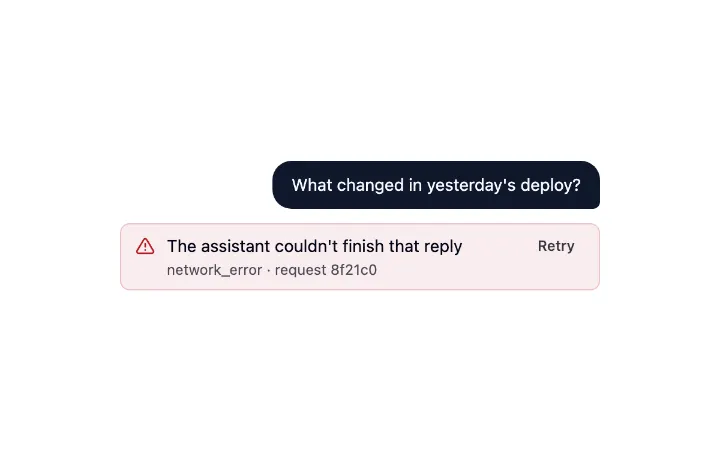
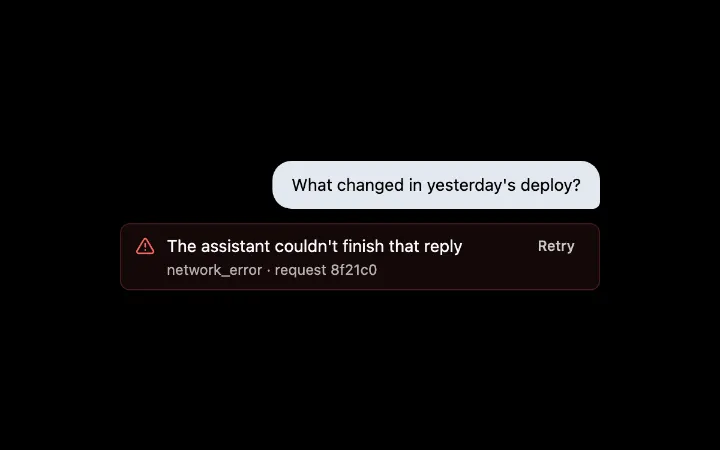
ChatError
Quiet inline failure banner for a chat turn: the error, an optional detail line, and a retry button that disables itself while the retry is in flight
AI Chat Fancy
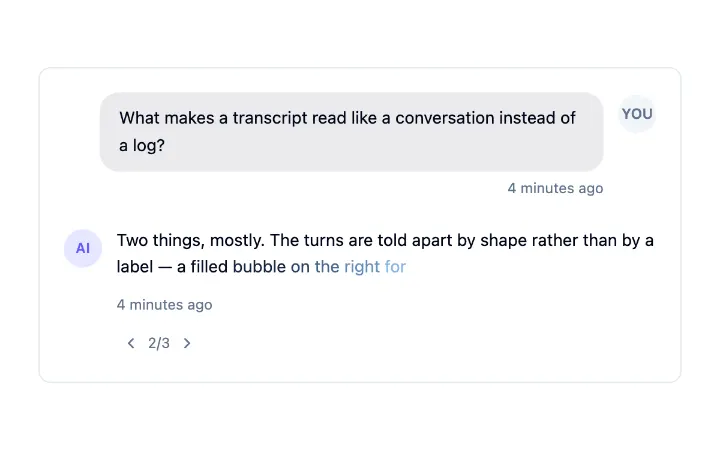
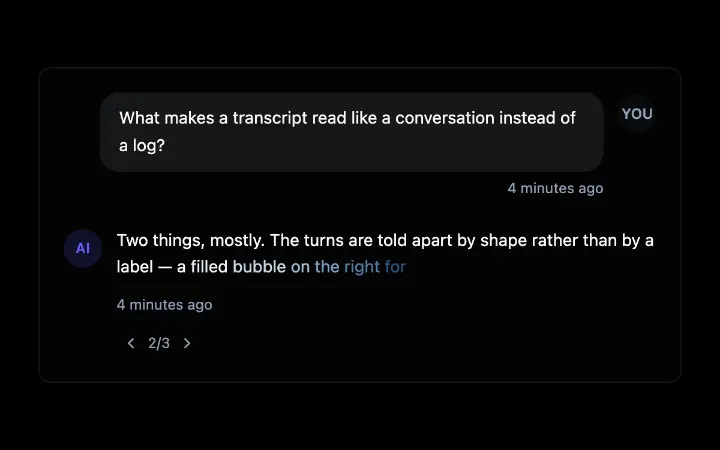
ChatMessage
One conversation turn, aligned and dressed by its role, streaming its body while the answer arrives, with an action rail that fades in on hover and a version navigator underneath
AI Chat Fancy
ChatPanel
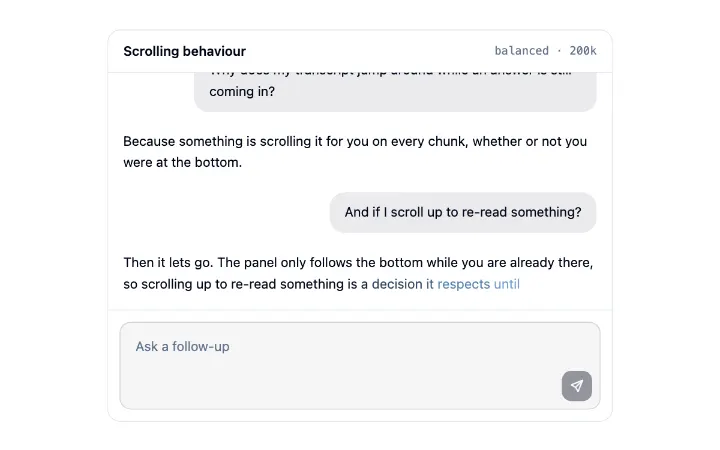
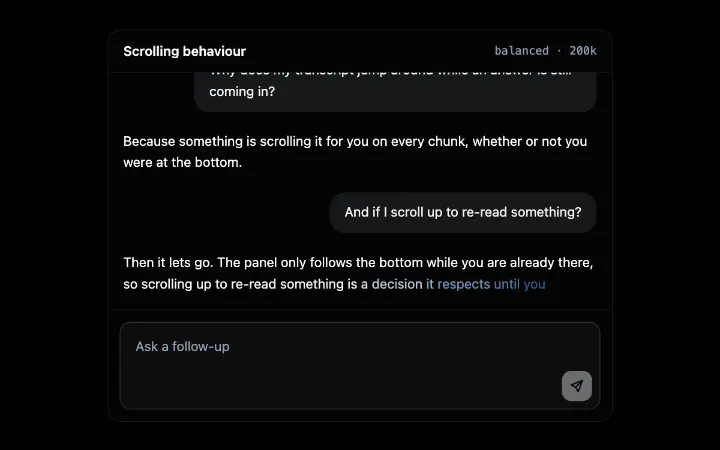
The shell a conversation lives in: a sticky header, a transcript that pins itself to the bottom while an answer arrives and offers the way back once you scroll up, and a sticky composer row
AI Chat Fancy