 OPEN SOURCE
 Number — digit spin
Maxwell Barvian · NumberFlow
RSV Available for React, Svelte, Vue #minimal#press
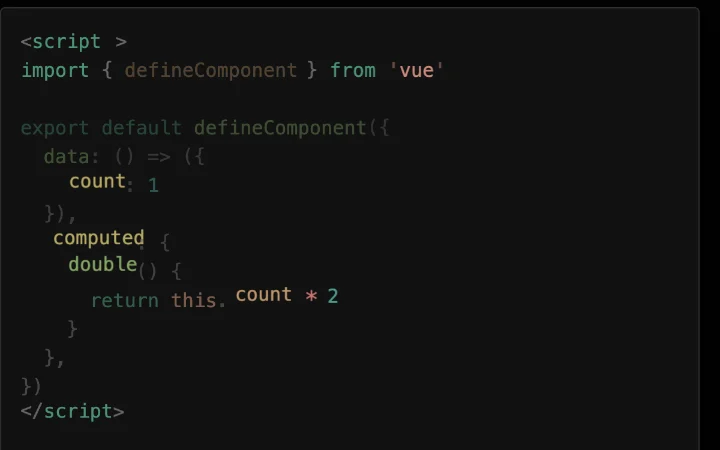
Between two versions of a snippet, matching tokens glide to their new place.
Toggling the example swaps the code, but tokens that exist in both versions slide from their old line and column to the new one while removed tokens fade out and new ones fade in. The reader follows a variable across the refactor instead of re-reading the block. Duration and stagger sliders sit under the editor.
Step-by-step code walkthroughs, release notes and docs where the change matters more than the final code.
Copy must return the final code, not a mid-flight state. Long blocks with many moved tokens get noisy; keep each step small. Under reduced motion, cross-fade or cut.
OPEN SOURCE  FANCYUI
  OPEN SOURCE