 OPEN SOURCE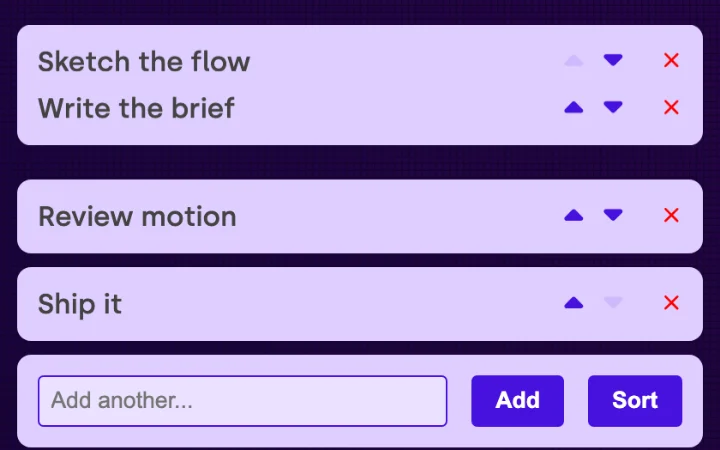
List — automatic reflow
Rows added, removed or reordered glide into place with no per-item animation code.
Related FancyUI components
- Type
- Interaction
- Interaction
- Press
- Style
- Minimal, Playful
- Code availability
- Open source
Why it works
Moving a row down makes the two rows trade places in a short slide, and a new row grows into the gap instead of popping in. The demo shows the same list without the utility beside it, so the difference is easy to see. Nothing in the list knows it is animated: one call on the parent watches its children.
When to use it
Lists, filters and form rows that change under the visitor's pointer: to-dos, tags, cart lines.
Things to watch
A reorder that animates must still move keyboard focus and announce the new position. Long lists that reflow on every keystroke get busy; keep durations short and respect reduced motion.
Implementation clues
- MutationObserver on the parent
- FLIP: measure, invert, play
- enter and exit keyframes
- one call per container
Related
- OPEN SOURCE
 FANCYUI
  OPEN SOURCE